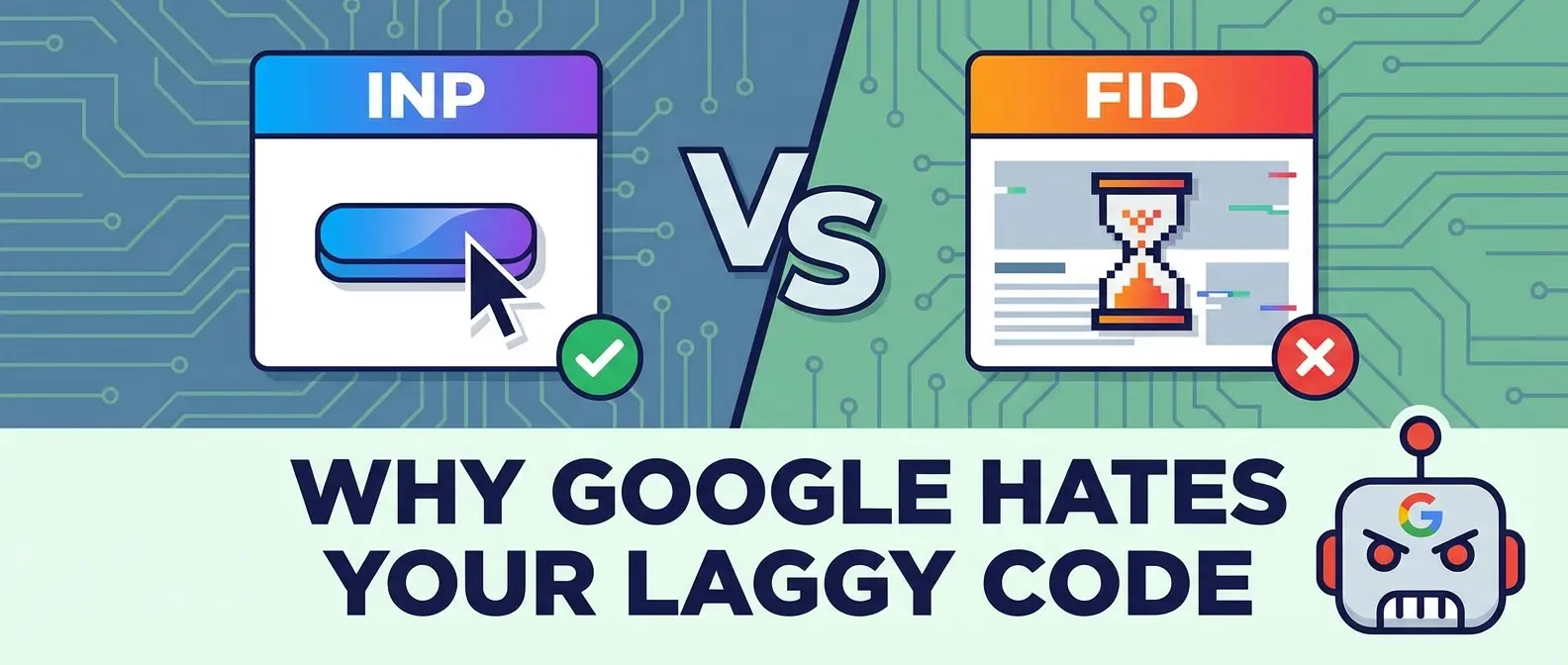
RIP First Input Delay, Long Live the Frustration Metric
You know the feeling. You click a button on a “modern” web app. Maybe it’s a dropdown menu, or perhaps the “Add to Cart” button. And then… nothing. Silence. The browser stares back at you like a barista who just ran out of beans and doesn’t know how to break the news. For a split second, you wonder if your mouse died or if the server room finally caught fire.
That lag isn’t just annoying; it’s a ranking killer. Google has officially swapped out the old First Input Delay (FID) for a new, much stricter metric: Interaction to Next Paint (INP).
FID was a joke. It only measured the first time a user touched your site. It was like judging a restaurant solely by how fast they seated you, even if the food took three hours to arrive. INP is different. It watches everything. It judges the responsiveness of every tap, click, and key press throughout the user’s entire visit. If your site feels sluggish, your google ranking is going to take a nosedive.
Why Your Site Probably Fails INP
Let’s be honest. We developers love JavaScript. We love shipping massive bundles that do fancy things. But the browser’s main thread is like a single lane highway, and we keep trying to drive an 18-wheeler down it during rush hour. When the user clicks, the browser wants to respond, but it can’t. It’s too busy parsing your 3MB analytics script or re-rendering the entire DOM because one variable changed.
This is where technical seo meets bad code. INP measures three phases:
- Input Delay: How long the browser waits before it even starts handling the event (usually because other tasks are blocking it).
- Processing Time: How long your callback actually takes to run.
- Presentation Delay: How long it takes the browser to actually paint the next frame after your code finishes.
If you ignore this, you’re essentially failing your core web vitals report card. Google is tired of sending users to sites that freeze up. They want snappy interfaces.
Fixing the Main Thread Jam
So, how do we fix this without rewriting the entire codebase in vanilla JS? You have to stop hogging the CPU. If you have a long task running, the browser can’t paint. It’s locked.
One of the best ways to handle this is to yield to the main thread. Break up your long tasks. Give the browser a chance to breathe. We actually wrote about a specific API for this recently—scheduler.yield is the cure for the click that cried wolf. It essentially tells the browser, “Hey, I’m pausing this heavy calculation so you can update the screen. Go ahead.”
Visuals vs. Performance
Another common culprit is heavy visual effects. We all want our sites to look cool. But if you’re using unoptimized WebGL or massive canvas animations, you’re killing your INP score. I remember trying to render a complex scene once and my laptop fan started screaming. You need 3d web design that won’t melt your laptop, or users will bounce before the interaction even registers.
If you really need motion, consider lighter alternatives. Don’t use a sledgehammer to crack a nut. Sometimes, swapping a heavy JS animation library for Lottie is the move. You want that “wow” factor without creating a website that moves like a sloth on sedatives.
The Bottom Line
Interaction to Next Paint isn’t just another buzzword to ignore until the next algorithm update. It’s here, and it’s aggressive. It forces us to care about the code that runs after the page loads.
If your site feels sticky, fix it. Optimize your event handlers. defer non-essential scripts. Stop treating the main thread like a dump truck. If you don’t, Google hates your slow turtle site, and honestly, so do your users.