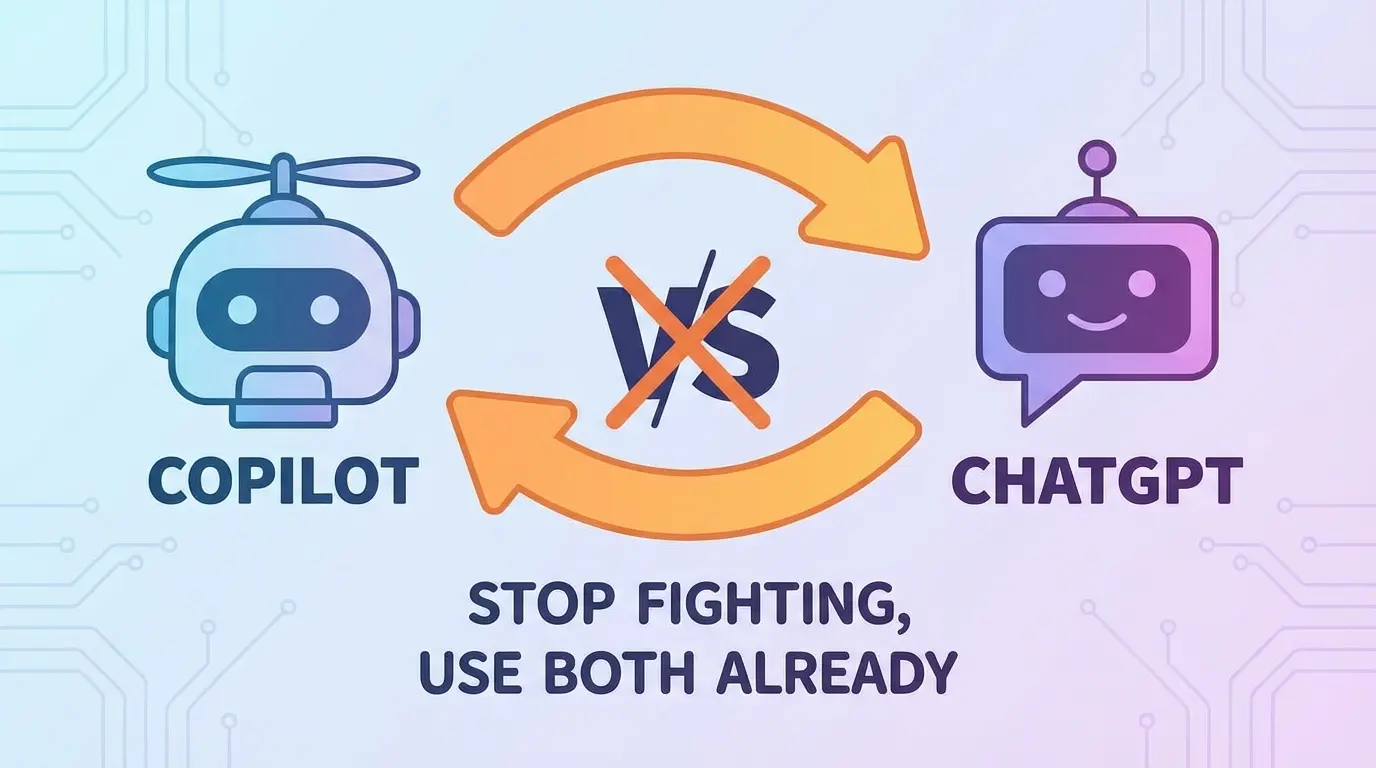
GitHub Copilot vs ChatGPT for Coding: Let’s Settle This Once and For All
I’ve been watching developers argue about AI coding tools like it’s some kind of holy war. Team Copilot over here, Team ChatGPT over there, and everyone’s acting like picking the wrong one will somehow curse your codebase forever.
Here’s my take: they’re both genuinely useful. But they’re also completely different tools that solve completely different problems. Comparing them directly is like asking whether a hammer is better than a screwdriver. Depends on whether you’re dealing with nails or screws, doesn’t it?
Let me break this down properly.
What GitHub Copilot Actually Does
Copilot lives inside your IDE. That’s the crucial bit. It watches you type, reads your comments, analyzes your existing code, and autocompletes like your brain but faster. Sometimes.
The magic happens when you’re in flow state. You write a function name like calculateShippingCost, and boom—it suggests the entire implementation. You’re building custom WordPress blocks with React, and it knows you need JSX. It’s creepy and wonderful.
What Copilot nails:
- Boilerplate code that makes you want to scream
- Pattern completion when you’ve established a coding style
- Test generation (though you should definitely review these)
- Those repetitive CRUD operations nobody enjoys writing
What it absolutely fumbles? Complex logic that requires understanding your entire system architecture. It’s guessing based on patterns. Smart guessing, but still guessing.
What ChatGPT Brings to the Table
ChatGPT is your rubber duck that talks back. And occasionally knows more than you do.
Unlike Copilot, ChatGPT isn’t embedded in your workflow. You copy, paste, explain, wait, evaluate. More friction. But that friction comes with benefits—you can have actual conversations about your code.
“Why is this recursive function eating all my memory?”
“How do I architect a notification system that won’t fall apart at scale?”
“What’s the least painful way to migrate this legacy PHP disaster to something modern?”
ChatGPT excels at programming tools education. It explains concepts. It debugs your thinking, not just your syntax. When I was wrestling with INP issues tanking my Core Web Vitals, ChatGPT helped me understand why my JavaScript was blocking the main thread. Copilot never would’ve caught that.
The Real Comparison: Context vs Conversation
Here’s where it gets interesting.
Copilot has context. It sees your codebase. It knows you’re working in TypeScript. It understands your import statements and can reference other files in your project. This context makes its suggestions eerily relevant.
ChatGPT has conversation. It remembers what you discussed earlier in the thread. It can hold multiple concepts in tension. It can say “actually, based on what you mentioned about your server constraints, maybe don’t do that.”
When I’m building micro SaaS projects on a tight timeline, I use both constantly. Copilot for cranking out the routine stuff. ChatGPT for the “wait, how should I even structure this?” moments.
Speed vs Depth
Copilot is fast. Scary fast. Tab-tab-tab and you’ve written 50 lines of code in two minutes. It’s intoxicating.
It’s also dangerous if you’re not paying attention. I’ve seen developers accept Copilot suggestions that introduced subtle bugs because they were vibing too hard with the autocomplete rhythm. The code looked right. It even ran. But there was an edge case lurking that only showed up in production.
ChatGPT forces you to slow down. You have to articulate your problem. You have to read the response. That friction? Sometimes it’s a feature, not a bug.
The Cost Question
Copilot runs $10/month for individuals. ChatGPT Plus is $20/month if you want GPT-4.
For software dev work, I’d argue both are worth it if you’re coding professionally. The time savings justify the cost almost immediately. But if I had to pick one?
Junior devs: ChatGPT. You need explanations more than autocomplete. You need to understand why code works, not just accept that it does.
Senior devs cranking features: Copilot. You already know the patterns. You just need to type them faster.
Architect types thinking through systems: ChatGPT. All day.
Where They Both Fall Short
Let’s be honest about the limitations because nobody else seems to want to.
Both tools confidently produce garbage sometimes. Copilot will autocomplete code that doesn’t compile. ChatGPT will recommend deprecated libraries like they’re still current. Neither of them has any idea what “your specific production environment” actually looks like.
I’ve had ChatGPT suggest server configurations that would’ve been catastrophic if I’d followed them blindly. When I was setting up WordPress on Google Cloud with CloudPanel, I still had to verify every suggestion against actual documentation.
AI coding assistants are exactly that—assistants. They’re not senior engineers. They don’t attend your sprint planning. They don’t know about that weird legacy system nobody documented.
My Actual Workflow
Here’s what I actually do:
Start with ChatGPT when I’m fuzzy on approach. Talk through the problem. Get feedback on architecture. Maybe generate some pseudocode to clarify my thinking.
Switch to Copilot when I’m implementing. Let it handle the boilerplate. Accept the good suggestions. Reject the weird ones. Keep my brain engaged because tab-completion can make you lazy.
Return to ChatGPT when something breaks and I can’t figure out why. Paste the error. Paste the relevant code. Let it be my debugging partner.
When I’m working on Tailwind CSS implementations in WordPress, Copilot speeds up the utility class writing significantly. But when I need to understand responsive design strategy? That’s a ChatGPT conversation.
The Verdict
Stop asking which one is “better.” Wrong question.
GitHub Copilot is a productivity multiplier for writing code you already understand.
ChatGPT is a thinking partner for code you’re still figuring out.
Use both. Your workflow will thank you. Your shipping velocity will improve. And maybe—just maybe—you’ll spend less time writing boilerplate and more time solving actual problems.
That’s the whole point of these AI coding tools anyway, isn’t it?