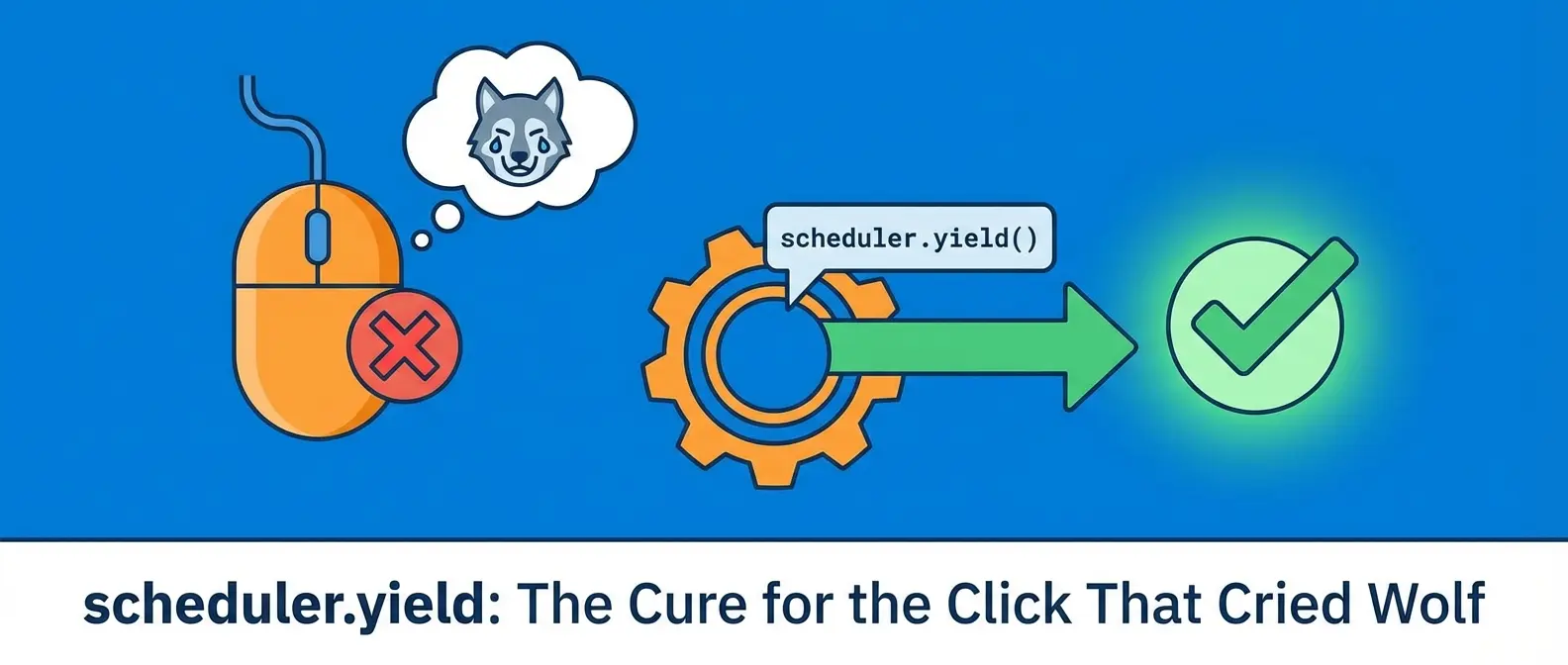
The Click That Cried Wolf: Fixing Your Site’s Biggest Annoyance
You’ve been there. You’re on a website, you click a button—”Add to Cart,” “Submit,” “Show Me Cute Puppies”—and… nothing. The button freezes, the page feels stuck, and for a split second, you question your own existence. Did I click it? Is my mouse broken? Is the internet just having a bad day?
Congratulations, you’ve just experienced a poor Interaction to Next Paint (INP). It’s the technical term for that rage-inducing delay between your action and the website’s visual response. Google cares about this a lot, as it’s a key part of their Core Web Vitals, which basically determines if your site is a sleek sports car or a sputtering lawnmower in their eyes.
The culprit is often a bully on the playground: main thread blocking. And today, we’re going to learn how to put that bully in a timeout with a surprisingly simple tool: the scheduler.yield API.
The Main Thread: A Very Busy, One-Lane Highway
Imagine your browser’s main thread as a single-lane road. Everything has to travel down it: your JavaScript code, user clicks, animations, and painting new pixels on the screen. It can only handle one car at a time.
Now, imagine a giant, slow-moving truck gets on that road. This truck is a long, heavy JavaScript task—like processing a huge list of data or rendering a thousand chart elements. While that truck is chugging along, nothing else can get through. Cars (user clicks) pile up behind it, honking their horns in frustration. That traffic jam is main thread blocking, and it’s the primary reason your INP score plummets.
Enter `scheduler.yield`: The Polite Interrupt
So, how do we fix this? We can’t just get rid of the truck; the work needs to get done. This is where the scheduler.yield API comes in. Think of it as a magical “pull over” button for our slow-moving truck.
When your code calls await scheduler.yield(), it essentially tells the JavaScript engine, “Hey, I know I’m doing a lot right now. I’m going to pause for a microsecond and let you check if anything more important came up.”
This tiny pause is enough for the browser to:
- Process any pending user inputs (like that button click!).
- Render any visual updates to the screen.
- Handle other high-priority tasks.
After that brief break, your code picks up right where it left off. The user gets instant feedback, the traffic jam clears, and you successfully improve your INP score. It’s not about working less; it’s about working smarter and more cooperatively.
A Practical Example: From Frozen to Fluid
Let’s say you have a task that loops through 50,000 items to update the UI. Here’s what that might look like before our magic trick.
The Bad Way (Hello, Main Thread Blocking):
function processHugeList(items) {
  for (const item of items) {
    // Do some heavy work with each item
    updateTheDOM(item);
  }
}
If you run this function, your browser will be completely unresponsive until all 50,000 items are processed. Not great.
The Good Way (Using the `scheduler.yield` API):
async function processHugeList(items) {
  for (const item of items) {
    // Do some heavy work with each item
    updateTheDOM(item);

    // Let's take a break and let the browser breathe!
    await scheduler.yield();
  }
}
By adding that one little line, the loop will now pause after processing each item, yielding control back to the browser. The UI remains snappy and responsive, even while the heavy task is running in the background. It’s a game-changer.
When Should You Use This Power?
This technique is a lifesaver for any long-running task that doesn’t need to finish all at once. Think about:
- Processing and rendering large datasets from an API.
- Complex, non-critical UI updates that involve many elements.
- Heavy client-side computations that could otherwise freeze the page, which can be common in ambitious projects like interactive scrollytelling or complex 3D web design.
The key is to identify those “long trucks” in your code and strategically tell them to pull over once in a while. It’s about sharing the road so everyone can get where they’re going without a multi-car pileup. Your users—and your INP score—will thank you for it.