
How I Generate Secure Secrets With openssl rand
Part of Small Business Websites
By Paul Peery · July 9, 2026 · 3 min readUpdated August 12, 2026
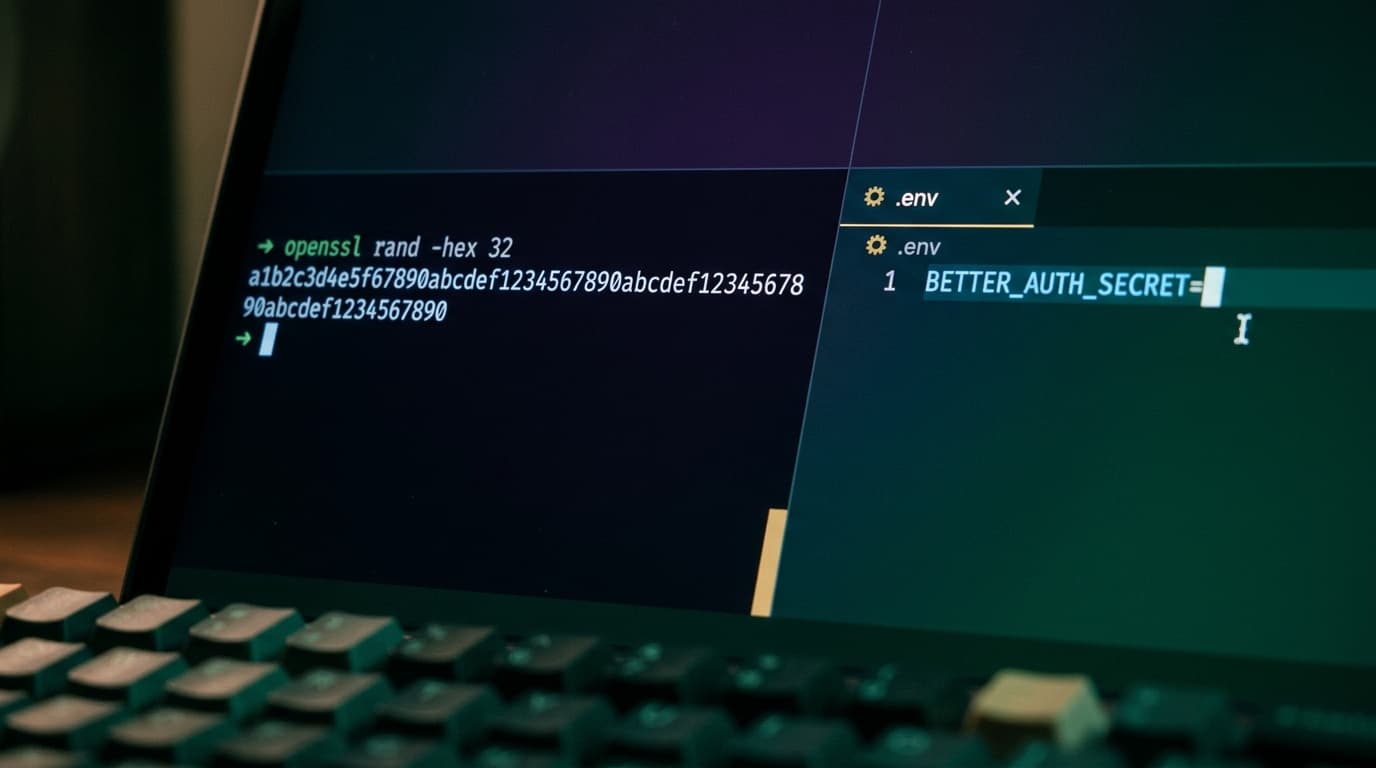
When my site needs a secret key, I don't make one up in my head. I let the terminal do it. The tool I reach for is openssl rand. It gives me random bytes I can turn into a strong, unguessable string in one line.
Here are the two commands I use most.
The two commands
This one prints hex:
openssl rand -hex 32
This one prints base64:
openssl rand -base64 32
Both start from the same place: 32 random bytes. That's 256 bits of entropy, which is plenty strong for the secrets I deal with. The only difference is how those bytes get printed as text.
The hex version turns each byte into two characters, so you get a 64-character string. It only uses the digits 0-9 and the letters a-f. Nothing weird in there.
The base64 version packs the same bytes into fewer characters, so it lands around 44 characters. That's shorter, but the trade-off is the character set. Base64 can include +, /, and =.
When I pick which
I reach for hex when I want a string that's safe to copy and paste anywhere without thinking. There are no special characters to escape. It's a little longer, but I never worry about it breaking something downstream.
I reach for base64 when I want something shorter. But I keep one thing in mind: those +, /, and = characters can cause trouble.
In a URL, + and / have their own meaning, so a raw base64 string can get mangled. In a .env file, an unquoted value with special characters can also trip things up. If I use base64 in either of those spots, I wrap the value in quotes or I just switch to hex to keep life simple.
My rule of thumb: hex when in doubt, base64 when I really want it short and I know where it's going.
How I use them on my site
Here are the real secrets I generate this way.
BETTER_AUTH_SECRET. This is the key that signs and protects login sessions. It needs to be strong and it needs to stay private. I generate it with hex so it drops into my .env file cleanly:
openssl rand -hex 32
Then I paste it in:
BETTER_AUTH_SECRET=your_generated_value_here
CRON_SECRET. I use this to make sure only my own scheduled jobs can hit certain endpoints. The request has to send the secret, and if it doesn't match, I ignore it. Same command, same idea:
openssl rand -hex 32
A setup token. When I need a one-time token to lock down a first-run setup route, I generate one the same way. It's just another random string that only I know.
A few habits I stick to
I generate a fresh secret for each purpose. I don't reuse one secret across auth, cron, and setup. If one leaks, I only have to rotate that one.
I never commit secrets to git. They live in my environment variables and my .env file, and .env stays out of version control.
And if I ever think a secret got exposed, I just run the command again and swap it in. That's the nice part about generating them this way. A new strong secret is always one line away.
Wrapping up
Strong secrets don't have to be hard. One command gives me 256 bits of randomness. Hex keeps things copy-paste safe, base64 keeps things short. Pick the one that fits where the secret is going, and you're set.
Keep reading
All posts
openssl rand for Strong Passwords and OpenSSH Secrets
I reach for openssl rand when I need solid random passwords or passphrases for SSH keys, servers, and web projects. Here are the simple commands that work well.
July 14, 2026 · 2 min read