
Next.js 16.3 Agent Skills: Setting Up next-dev-loop
Part of Building This Site and Small Business Websites
By Paul Peery · July 10, 2026 · 3 min readUpdated August 12, 2026
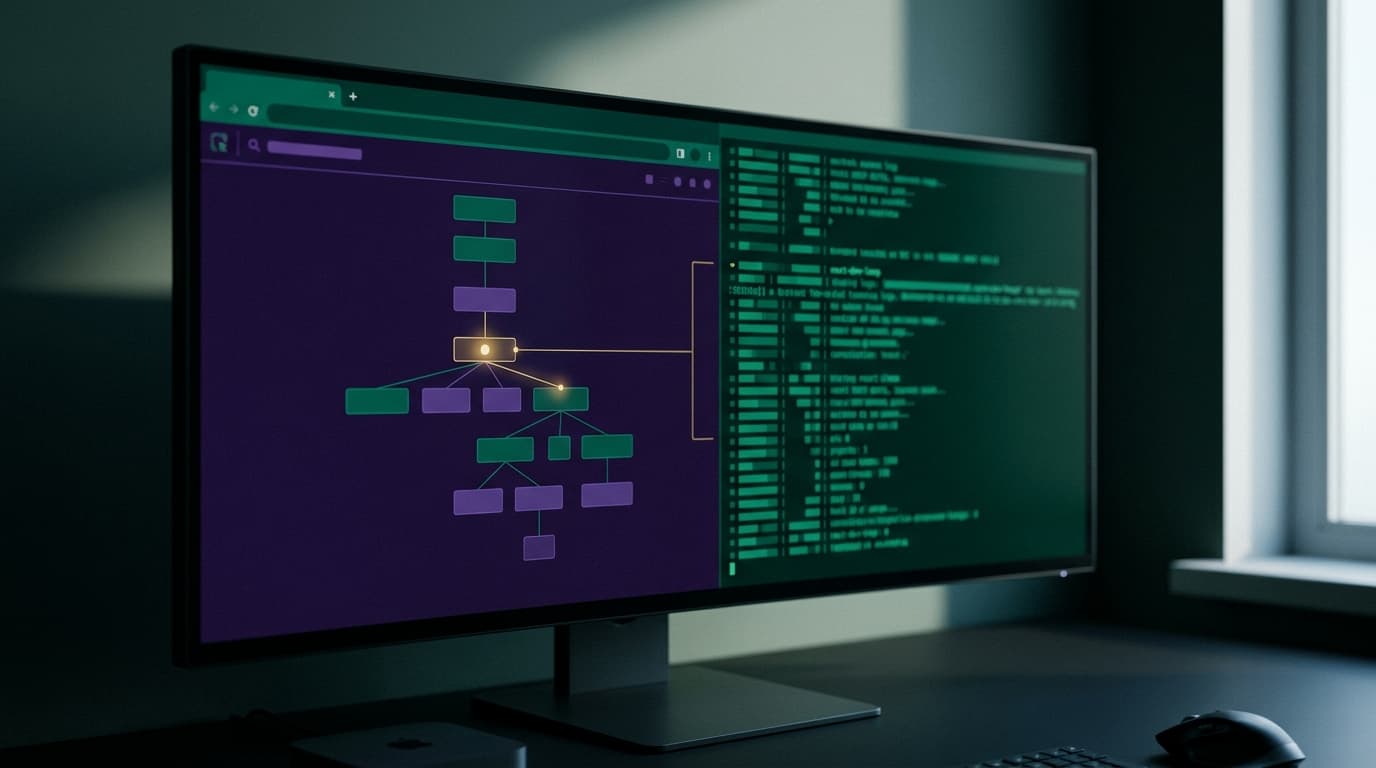
What next-dev-loop is
Next.js 16.3 includes first-party agent Skills. One of them is next-dev-loop.
In plain terms, it is a bridge between a coding agent and your running Next.js app. The agent can drive the browser, read the console, follow network requests, and inspect the React tree.
That is different from only pasting stack traces into chat. The agent can look at the live app the same way you would while debugging.
I treat this as tooling, not magic. You still need a clear task, a working dev server, and good judgment about what the agent is allowed to change.
How I set it up
I keep setup simple and check the current Next.js and agent docs before I start. Feature names and install steps can move. Verify them at publish time for your machine.
1. Use a current Next.js 16.3 app
I start from an app on Next.js 16.3 (or upgrade an existing project). I confirm the version in package.json and that next dev runs cleanly on its own.
If the app does not boot without the agent, I fix that first.
2. Install and enable the first-party Skills
I follow the official path for first-party agent Skills that ship with Next.js. That usually means installing the packages or CLI pieces the docs list for Skills, then enabling them for the agent I use day to day.
I do not invent extra flags. I stick to what the release notes and skill docs show for next-dev-loop.
3. Point the agent at the running app
I start the Next.js dev server, then connect the agent session so it can use next-dev-loop. The skill is only useful when there is a live app to drive: a URL, a console stream, network traffic, and a React tree to inspect.
I keep env vars, auth cookies, and local-only ports documented so the agent does not hit the wrong environment.
4. Scope what the agent may do
Before I hand over a task, I set boundaries:
- which routes it may open
- whether it may click, type, or only observe
- whether it may edit files, and which folders
- how I want console and network findings reported back
That keeps the loop useful instead of noisy.
5. Run a small smoke task
I give a small, checkable task first—for example, open a page, note a console warning, and describe the component that rendered. I do not treat that as a success story to quote later. It is only a setup check so I know the browser, console, network, and React inspection paths are wired.
How it changes day-to-day work
Without something like next-dev-loop, I copy errors, describe UI state, and guess which request failed. The agent works from my summary.
With the skill connected, the agent can:
- open the page itself
- read what the browser console actually logged
- follow the network requests the page made
- inspect the React tree instead of only reading source files
That changes the loop in a practical way. I spend less time retyping context and more time deciding what “done” means. I still review every change. The agent sees more of the runtime; I still own the product decisions.
Typical flow for me:
- State the bug or UI goal in one short note.
- Start (or keep) the dev server.
- Let the agent use
next-dev-loopto reproduce and inspect. - Review the proposed fix and the runtime evidence it cites.
- Run my own check in the browser before I commit.
What I do not ask it to do
I do not give it production secrets, live customer data, or broad write access to the whole monorepo on day one. I keep the skill on local or staging apps first.
I also do not skip reading the console and network myself when the fix is risky. The skill speeds inspection; it does not replace a careful pass.
Before you publish your own notes
Agent Skills and next-dev-loop details can change between minor releases. Before you write your own setup guide—or before you rely on this one—open the current Next.js 16.x release notes and the first-party Skills docs. Confirm install steps, skill names, and which browser/console/network/React capabilities are actually enabled in the build you run.
That habit matters more than any single tutorial step.
Quick checklist
- Next.js 16.3 app that boots with
next dev - First-party Skills installed and enabled per current docs
- Agent connected to the running app via
next-dev-loop - Clear scope for browser actions and file edits
- Small smoke task before real work
- Human review of every change
If those pieces are in place, you have a practical agent loop: code, run, inspect the real browser and React tree, then decide what to keep.
Keep reading
All posts
AI Coding Agents for Refactoring and Tests: Guardrails That Hold
Letting an AI agent refactor Next.js code and write unit tests without guardrails invites phantom dependencies and silent bugs. Here is how to keep control.
September 30, 2026 · 5 min read