
openssl rand for Strong Passwords and OpenSSH Secrets
By Paul Peery · July 14, 2026 · 2 min readUpdated August 12, 2026

I need strong random strings all the time. New VPS logins, database passwords for sites I build, API keys for side gigs, and passphrases that protect my OpenSSH private keys.
Most Linux systems already have OpenSSL. Its rand command makes this easy and reliable.
Why openssl rand
The command generates random bytes with a cryptographically secure pseudo-random number generator. It seeds from the operating system’s entropy sources. If it cannot get enough good randomness, it fails instead of giving weak output.[1]
That is exactly what I want for anything security-related.
Simple commands I use
For a base64 password (easy to type or paste):
openssl rand -base64 24
This produces roughly 32 characters. Bump the number for longer output. I often use 32 or 48 for high-value secrets.
For pure hex (handy for tokens or some config files):
openssl rand -hex 16
That gives 32 hex characters.
If I want alphanumeric only and a fixed length, I pipe it:
openssl rand -base64 32 | tr -d '/=+' | cut -c1-24
Or for a wider character set:
openssl rand 48 | tr -dc 'A-Za-z0-9!@#$%^&*' | head -c 24
Test the length and characters to match whatever service you are using.
For OpenSSH specifically
When I create a new SSH key pair I almost always protect the private key with a strong passphrase:
ssh-keygen -t ed25519 -C "my-label"
At the passphrase prompt I paste something fresh from openssl rand -base64 32. Long random passphrases work well here.[2]
On systems that might start with low entropy (fresh VMs, some containers), OpenSSH can reseed OpenSSL’s generator from /dev/random by setting the environment variable:
export SSH_USE_STRONG_RNG=32
Then run ssh-keygen or start sshd. The number is the bytes to pull (minimum around 6). I only do this when I know the machine has a hardware RNG or enough entropy sources; otherwise it can hang waiting for randomness. On normal modern servers the default /dev/urandom path is fine.
Everyday use for websites and side projects
- Fresh MySQL or Postgres user passwords
- Secret keys in .env files
- Temporary access credentials I hand out
- Random filenames or tokens in scripts
I keep a simple alias in my shell:
alias randpass='openssl rand -base64 32 | tr -d "/=+" | cut -c1-28'
One word and I have a clean password ready to copy.
Quick tips
Store the generated value in a password manager right away. Do not leave it sitting in terminal history if you can help it (or clear history after).
Prefer longer over complex when a service lets you. Random 24+ characters beat short mixed-case tricks.
Keep OpenSSL reasonably up to date so you get the current RNG improvements.
That is the whole toolkit I actually use. No extra packages, no websites that might log your secrets, just a one-liner that works on almost every Linux box I touch.
Keep reading
All posts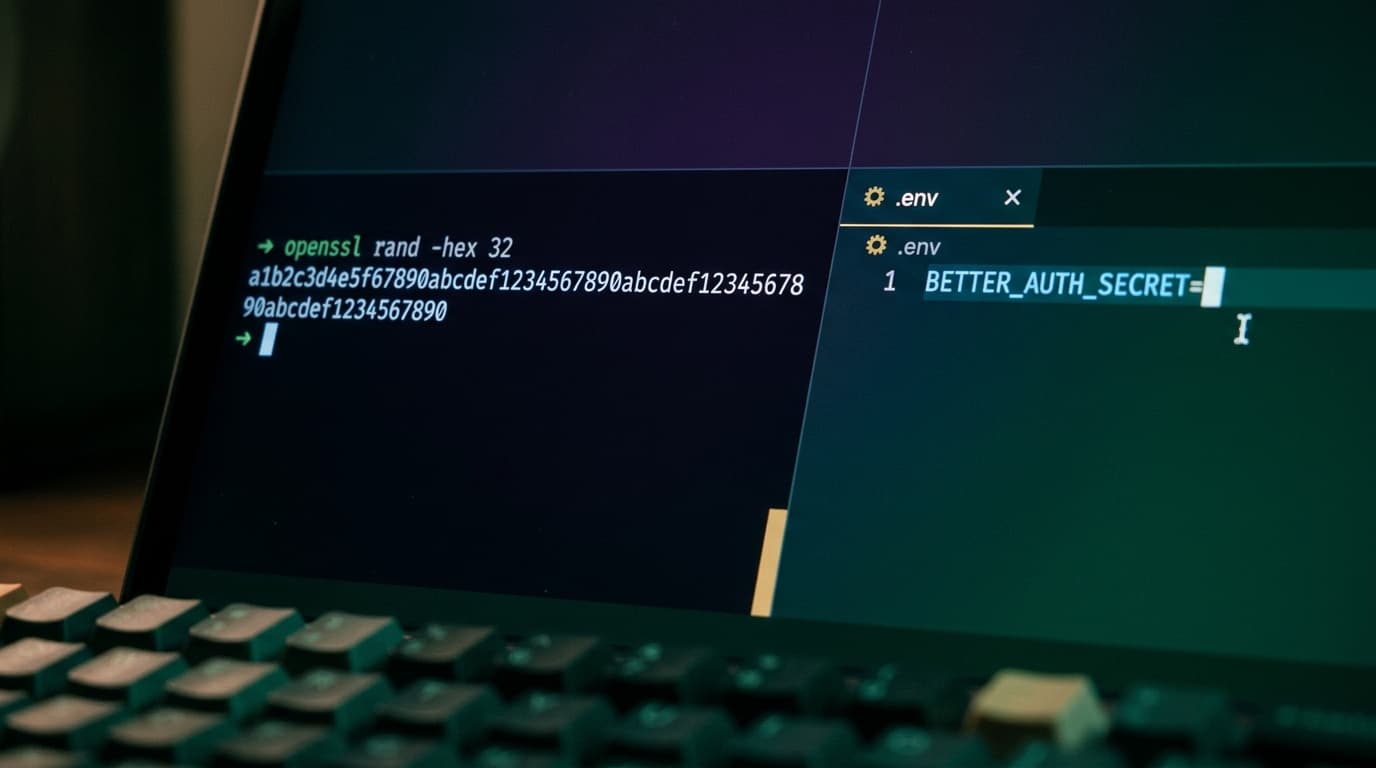
How I Generate Secure Secrets With openssl rand
How I use openssl rand -hex and -base64 to make strong secrets for my site, when I pick each one, and how I use them for auth, cron jobs, and setup tokens.
July 9, 2026 · 3 min read