
Automating Pre-Publish Site Checks with Lightweight Scripts
Part of Building This Site, Making Money From a Small Site and Small Business Websites
By Paul Peery · September 1, 2026 · 5 min read
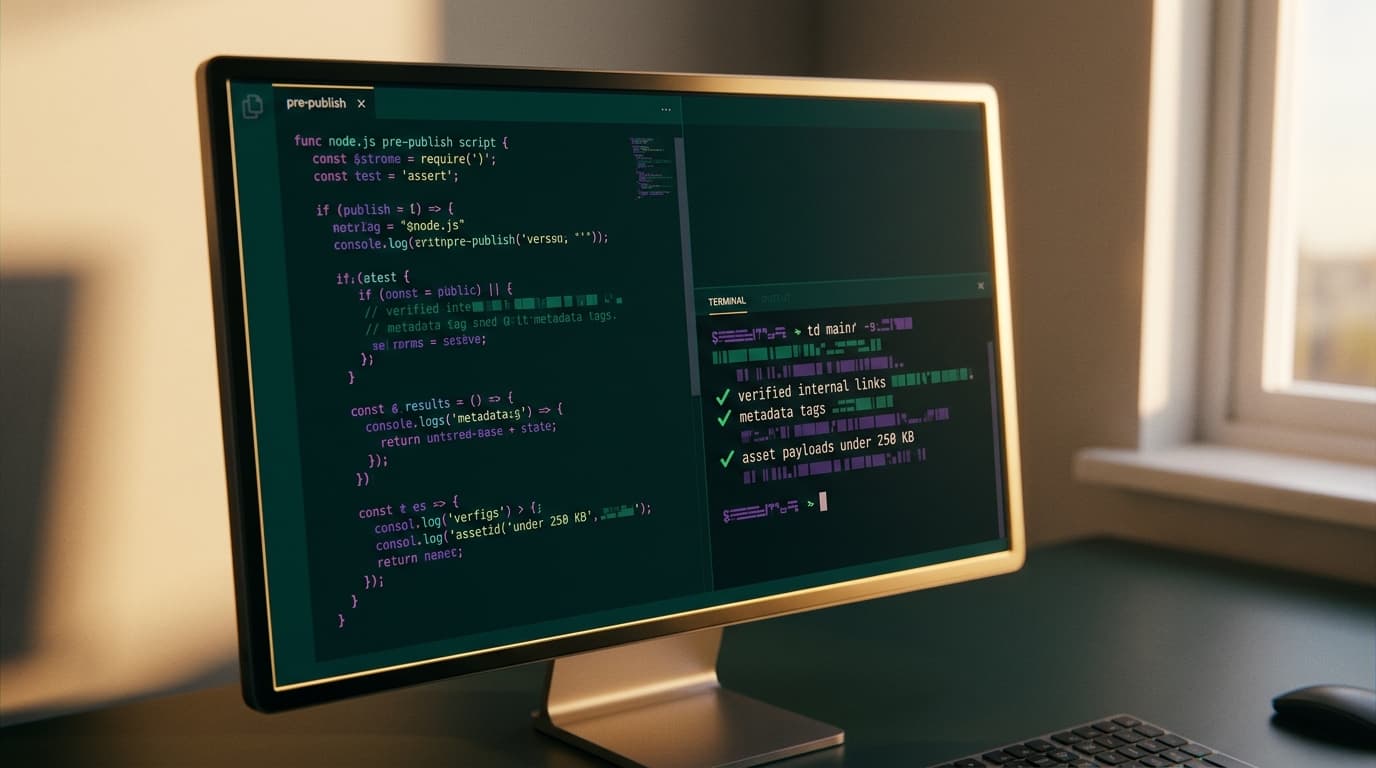
Most broken internal links and missing social cards do not sneak into production because the code was complicated. They happen because nobody manually checks twenty pages after editing a single blog slug on a Friday afternoon.
SaaS monitoring platforms will happily charge you $29 to $99 a month to crawl your live site after you deploy. But alerting you about a 404 twenty minutes after your newsletter goes out is the wrong time to fix it. If you run a custom site or a static build, you can catch bad links, missing social preview tags, and massive uncompressed assets in three seconds using small, zero-cost Node.js scripts right inside your build pipeline.
Here is how I set up lightweight pre-publish checks so broken pages never make it to production in the first place.
Catching dead internal links before they ever reach production
When you reorganize categories or rename a post slug, finding every old link buried inside past articles is tedious. If you miss one, visitors hit a dead end, and search engines waste crawl budget. While maintaining clean redirects is part of how to redesign a website without tanking your search rankings, your active content should never point to an internal redirect or a 404.
Instead of paying for an external crawler service, you can run a local link check against your built HTML or content source files. If you use Next.js static export or build to an output directory, a tiny Node script using an open-source tool like linkinator can crawl your local build server before deploying:
// scripts/check-links.mjs
import { LinkChecker } from 'linkinator';

async function verifySiteLinks() {
  const checker = new LinkChecker();

  // Crawl local preview server, skipping third-party URLs to stay fast
  const result = await checker.check({
    path: 'http://localhost:3000',
    recurse: true,
    linksToSkip: ['^https?://(?!localhost)']
  });

  const broken = result.links.filter(x => x.state === 'BROKEN');

  if (broken.length > 0) {
    console.error(`Found ${broken.length} broken internal links:`);
    broken.forEach(b => console.error(`- ${b.url} (found on ${b.parent})`));
    process.exit(1);
  }

  console.log('✓ All internal links verified.');
}

verifySiteLinks();
Because this only crawls local URLs, it runs in a couple of seconds and never hits rate limits. If you accidentally type /blog/my-old-post instead of /blog/my-new-post, your build fails on your machine before git ever sees it.
Verifying Open Graph tags across every page
Few things look more amateurish than sharing a newly published guide on social media only to see a blank gray square and a missing snippet. Setting up dynamic OG images in Next.js solves the rendering side, but a missing frontmatter title, a broken image path, or a malformed meta tag will still leave you with broken social previews.
You do not need a paid SEO audit suite to verify metadata. A short script can parse your generated HTML files or read your markdown frontmatter before packaging:
// scripts/check-og.mjs
import fs from 'node:fs';
import path from 'node:path';
import { parse } from 'node-html-parser';

const DIST_DIR = './out'; // your build directory
const requiredTags = ['og:title', 'og:description', 'og:image', 'twitter:card'];

function inspectHtmlFiles(dir) {
  let errors = 0;
  const files = fs.readdirSync(dir, { recursive: true });

  for (const file of files) {
    if (!file.endsWith('.html')) continue;
    const html = fs.readFileSync(path.join(dir, file), 'utf8');
    const root = parse(html);

    for (const tag of requiredTags) {
      const meta = root.querySelector(`meta[property="${tag}"], meta[name="${tag}"]`);
      if (!meta || !meta.getAttribute('content')) {
        console.error(`Missing ${tag} in ${file}`);
        errors++;
      }
    }
  }

  if (errors > 0) {
    console.error(`❌ Found ${errors} missing metadata tags.`);
    process.exit(1);
  }
  console.log('✓ All Open Graph and social tags present.');
}

inspectHtmlFiles(DIST_DIR);
This check guarantees that every single route—from individual blog posts to landing pages—has the exact metadata search bots and social platforms expect.
Setting hard size budgets on images and assets
A common way small sites suddenly get sluggish is an uncompressed screenshot dropped straight into the /public folder. You take a full-retina screen grab, drop the 4MB PNG into your repo, and push. Learning how to speed up a slow website usually begins with fixing asset bloat, but a pre-publish script stops that bloat from entering the repo in the first place.
You can enforce a strict file-size limit on static media with basic Node file-system utilities:
// scripts/check-assets.mjs
import fs from 'node:fs';
import path from 'node:path';

const PUBLIC_DIR = './public/images';
const MAX_SIZE_KB = 250; // hard budget per image

let overBudget = 0;
const files = fs.readdirSync(PUBLIC_DIR, { recursive: true });

for (const file of files) {
  const fullPath = path.join(PUBLIC_DIR, file);
  if (fs.statSync(fullPath).isDirectory()) continue;

  const sizeKb = fs.statSync(fullPath).size / 1024;
  if (sizeKb > MAX_SIZE_KB) {
    console.error(`Asset too large: ${file} (${sizeKb.toFixed(1)} KB > ${MAX_SIZE_KB} KB)`);
    overBudget++;
  }
}

if (overBudget > 0) {
  console.error(`❌ ${overBudget} assets exceed the ${MAX_SIZE_KB} KB budget.`);
  process.exit(1);
}

console.log('✓ All asset payloads within budget.');
If you forget to run an image through an optimizer, this check stops you before the deploy finishes. You keep your page weight lean without needing to remember manual file checks.
Where simple scripts fail and when manual checks matter
Automated scripts are great at catching objective, black-and-white mistakes. They are terrible at judging context.
A lightweight internal link checker will tell you that a URL returns an HTTP 200, but it will not notice if an external reference page put up an aggressive anti-bot challenge or quietly changed its content. Similarly, checking that an og:image meta tag exists does not tell you if the text inside the generated social image is clipped or illegible on small mobile screens.
External links also rot independently of your builds. While running local checks keeps your site structure healthy, third-party sites disappear over time without your knowledge. A local build check cannot prevent external link rot; for that, an occasional scheduled workflow that tolerates transient external network blips is necessary.
Treat local scripts as your baseline guardrails: they eliminate careless syntax errors, bad relative paths, and uncompressed media so you can focus your manual reviews on actual content quality.
The single command to run before every deploy
You do not need a complex CI pipeline to put these checks to work. You can wire them together into your package.json scripts and run them automatically with a git pre-push hook or a single pre-publish command:
{
  "scripts": {
    "check:links": "node scripts/check-links.mjs",
    "check:og": "node scripts/check-og.mjs",
    "check:assets": "node scripts/check-assets.mjs",
    "verify": "npm run build && npm run check:assets && npm run check:og && npm run check:links"
  }
}
Whenever you are ready to ship new updates or articles, running npm run verify ensures the build passes, images stay small, metadata tags exist, and internal links resolve properly. Zero recurring SaaS invoices, zero waiting on external crawlers, and zero broken links shipped to your readers.
Keep reading
All posts
10 Micro SaaS Ideas You Can Actually Ship in 48 Hours
Most weekend SaaS projects fail because builders design platforms instead of utilities. Here are 10 single-purpose micro SaaS ideas you can realistically code and deploy in 48 hours.
September 1, 2026 · 5 min read