
Cloudflare R2, AWS S3, and Backblaze B2 for solo micro SaaS
Part of Building This Site, Making Money From a Small Site and Small Business Websites
By Paul Peery · October 2, 2026 · 5 min read
This post contains affiliate links. If you buy through one, I may earn a commission at no extra cost to you. Full disclosure
The most dangerous line item on an infrastructure bill is never disk space. Storing a gigabyte of data costs pennies, but letting users download that data can drain your project account before you turn a profit.
When you build a solo micro SaaS with Next.js, handling user avatars, PDF invoice downloads, or CSV exports is inevitable. The default advice from enterprise tutorials is to set up Amazon Simple Storage Service (AWS S3). For a solo builder without a dedicated DevOps team, navigating AWS IAM policies, complex bucket configurations, and surprise egress charges is usually the wrong move. Services like Cloudflare R2 and Backblaze B2 have reshaped how independent developers handle files.
Egress fees dictate your storage architecture
The traditional hyperscale pricing model penalizes you for shipping a popular product. AWS S3 charges around $0.023 per gigabyte per month for standard storage in common regions, and incoming uploads are free. But once a user requests a file over the public internet, AWS bills you for the outbound bandwidth. While AWS offers a shared allowance of 100 GB of free outbound transfer per month across its services, standard internet egress beyond that starts at roughly $0.09 per gigabyte. If your users stream audio or download daily archives, data transfer quickly eclipses the cost of your servers.
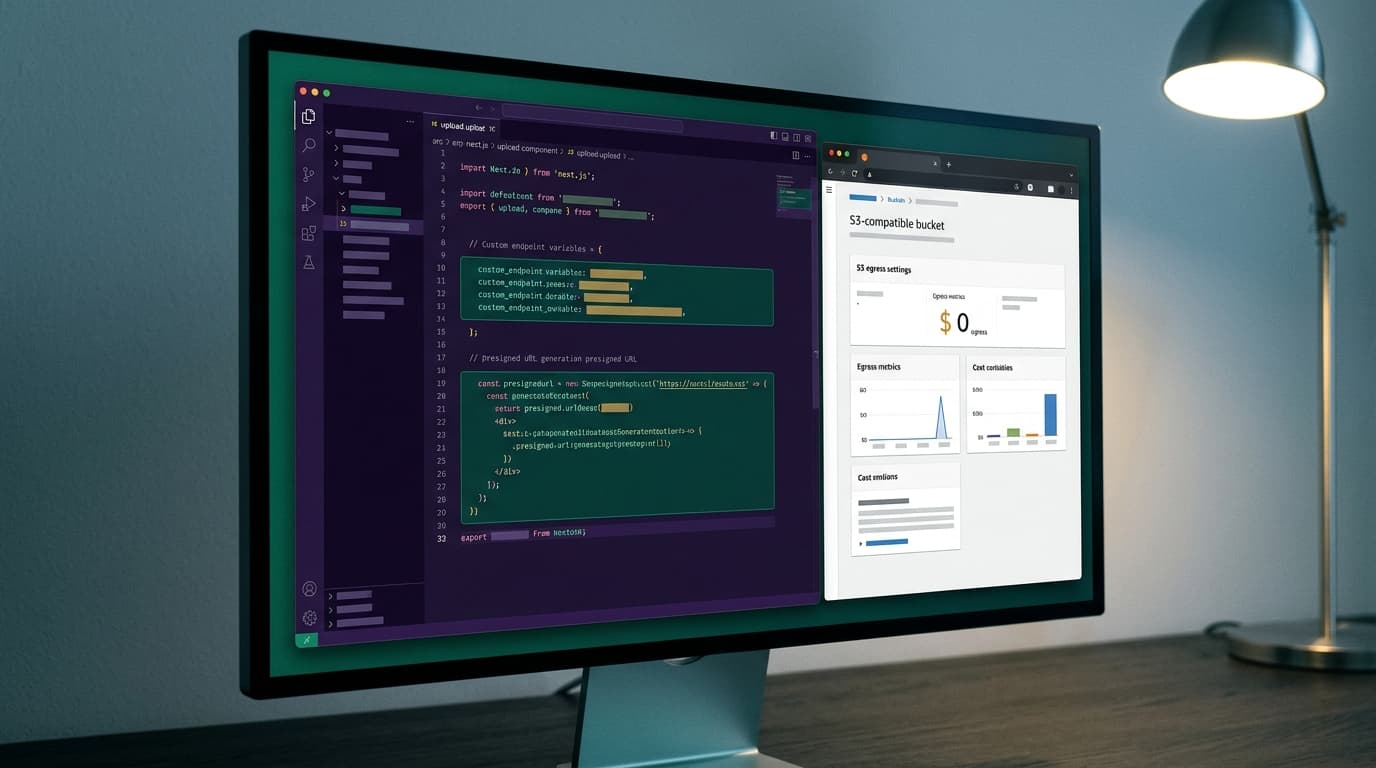
Cloudflare R2 eliminates egress fees entirely. You pay $0.015 per gigabyte per month for standard storage, which includes a recurring free tier of 10 GB every month. Whether your users download 10 megabytes or 10 terabytes, the network egress charge is zero dollars.
Backblaze B2 splits the difference with an aggressive price floor. Raw storage costs $0.006 per gigabyte per month, which works out to $6 per terabyte, and the service includes 10 GB of free storage. Backblaze provides free egress up to three times your average monthly storage volume. If you store 100 GB, you can serve 300 GB of downloads each month without incurring egress fees. Any egress beyond that limit costs $0.01 per gigabyte, which is still a fraction of AWS rates. Always check current pricing on each provider's documentation before launching, as bandwidth policies can shift.
Standard S3 client code works everywhere
You do not need vendor-locked libraries to talk to these services. Both Cloudflare R2 and Backblaze B2 expose S3-compatible APIs. In your Next.js application, you can install the official @aws-sdk/client-s3 package and use it across all three providers.
Wiring R2 or B2 into your project requires changing only the client endpoint configuration. Instead of connecting to an AWS regional host, you point the client to your Cloudflare account endpoint or your Backblaze regional endpoint. You authenticate using access keys and secret tokens, just like you would on AWS.
import { S3Client, PutObjectCommand } from '@aws-sdk/client-s3';

const storage = new S3Client({
  region: 'auto',
  endpoint: process.env.STORAGE_ENDPOINT,
  credentials: {
    accessKeyId: process.env.STORAGE_ACCESS_KEY_ID!,
    secretAccessKey: process.env.STORAGE_SECRET_ACCESS_KEY!,
  },
});
For user uploads, you should rarely funnel multi-megabyte payloads through your Next.js serverless functions. Route handlers time out, and hosting platforms impose strict request body limits. The standard pattern is generating a presigned URL on the server and handing it to the browser so the client uploads straight to the bucket.
Because storage secrets grant full read and write access to your data, keep those credentials isolated on the server. Never expose storage tokens to the browser bundle, a topic covered in detail in our guide to Next.js environment variable hygiene. Generating presigned upload tokens inside server-only code keeps your private keys protected while your client components handle upload progress bars.
The trade-offs and billing gotchas you hit first
No storage option is completely painless, and marketing pages tend to hide operational friction.
With Cloudflare R2, egress bandwidth is free, but API operations are not. R2 divides requests into Class A operations (writes, lists, and mutations at $4.50 per million) and Class B operations (reads and downloads at $0.36 per million). R2 includes a generous free tier of one million Class A requests and 10 million Class B requests each month. If your application polls a bucket repeatedly or reads hundreds of microscopic files on every page hit, operations costs can surprise you even with zero-dollar egress. Attaching a custom domain to an R2 bucket is smooth if your domain already routes through Cloudflare DNS, but managing assets outside Cloudflare nameservers requires extra routing hops.
Backblaze B2 is exceptionally cost-effective for large files, but its free egress is tied directly to your stored balance. If you store only two gigabytes of tiny files but serve 200 GB of downloads, you will exceed your 3x free-egress ratio and pay overage fees. Backblaze also has slightly higher latency on cold requests compared to Cloudflare's globally distributed network.
AWS S3 offers unmatched durability, fine-grained access policies, and instant integration with other AWS services. But configuring IAM users, bucket policies, and cross-origin resource sharing (CORS) rules for S3 is notoriously error-prone. Solo developers frequently waste entire afternoons debugging cryptic 403 Forbidden responses caused by a misplaced wildcard in a JSON permission document.
Selecting your infrastructure components should prioritize low operational drag, similar to the architecture choices discussed in picking a database for solo micro SaaS.
Picking the right bucket for your Next.js project
Your application architecture determines which provider minimizes both monthly costs and maintenance headaches.
- Select Cloudflare R2 if your app serves active media, user profile pictures, digital product files, or dynamic downloads directly to web visitors. The combination of 10 GB of free storage, zero egress fees, and predictable operations pricing makes it the safest default for modern solo projects.
- Select Backblaze B2 if you need high-capacity storage at the lowest base price. It shines for database backup dumps, user data exports, and cold project archives where total gigabytes stored matter far more than edge latency.
- Select AWS S3 only if your core compute infrastructure already runs inside an AWS region like EC2 or ECS, or if your enterprise clients require AWS compliance frameworks. Transfer between S3 and compute resources within the same region is generally free, but serving public internet traffic from S3 without CloudFront is financially reckless.
The one-paragraph decision rule
For a solo micro SaaS built on Next.js, start with Cloudflare R2. Use the standard AWS S3 SDK, generate presigned URLs inside server actions, and point your endpoint to Cloudflare. You stay inside the free tier during initial development, you avoid AWS IAM configuration traps, and an unexpected viral traffic spike will not generate an emergency credit card bill.
Keep reading
All posts
SQLite vs Postgres vs Supabase: Picking a Database for Solo Micro SaaS
Choosing between SQLite, managed Postgres, and Supabase is not a benchmark battle. Here is how to pick the right database for a solo micro SaaS based on operational sanity.
August 20, 2026 · 4 min read