
What Website Maintenance Actually Requires (and When to Pay for It)
Part of Small Business Websites
By Paul Peery · August 12, 2026 · 4 min read
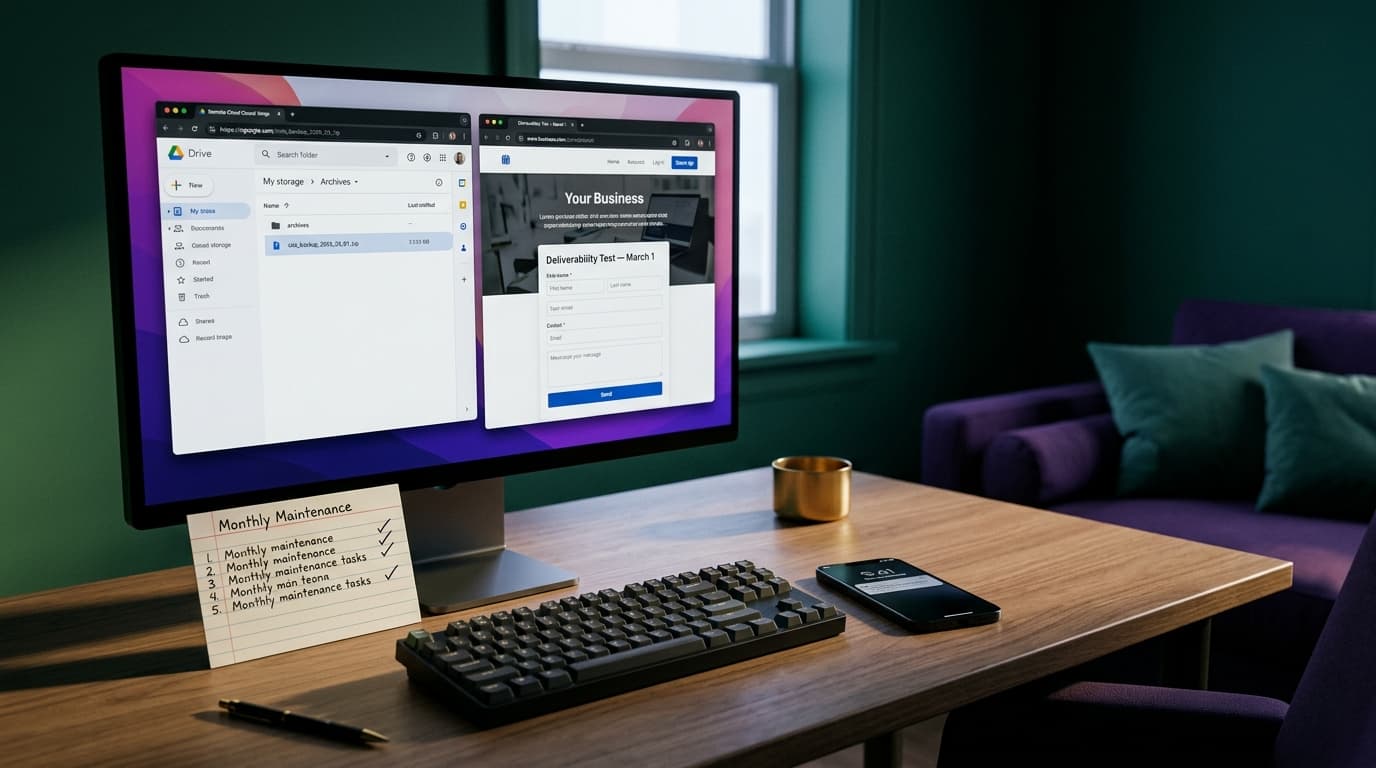
Most small business website breaks do not come from state-sponsored hackers or catastrophic data center fires. They come from an unmonitored plugin update that quietly broke a contact form three weeks ago without anyone noticing.
If you run a site on WordPress, custom code, or a hosted builder, maintenance can feel like an endless list of mysterious technical chores. The practical truth is that about 80% of site reliability comes down to four basic tasks, while a lot of what agencies bundle into maintenance packages is routine filler.
Automated off-site backups are your only real safety net
If your site goes down or gets corrupted during an update, having a backup stored on the exact same server does you very little good. If the server fails or your account gets locked out, both your live site and your restore point disappear at the same time.
Automated off-site backups solve this by sending a copy of your site's files and database to an independent cloud storage location like Google Drive, Dropbox, or AWS S3. For a static or low-traffic site, a weekly backup is enough. For an active blog or lead-generation site, daily backups ensure you never lose content or customer submissions. Set up automated scheduling once, verify the files are actually appearing in your cloud storage, and test a restore once a year to make sure the backup file actually works.
Security patches cannot sit in a queue for six months
Outdated software is the single largest entry point for site compromises. Developers release software updates primarily to patch security vulnerabilities that have become public knowledge. Once a vulnerability is known, automated bots scan the web looking for unpatched sites running that specific version.
If you use a hosted platform like Squarespace or Wix, core updates and security patches are managed behind the scenes for you. This built-in upkeep is one of the main trade-offs when choosing between Wix, WordPress, or custom code. On a self-hosted WordPress site, you need to log in at least once a month, update core files, themes, and plugins, and immediately test your primary pages to confirm nothing broke in the visual layout.
Half of what gets sold as maintenance is routine fluff
Agencies often list impressive-sounding items on monthly care invoices: database optimization, cache clearing, monthly speed scrubbing, and link audits. For a normal local business site with twenty pages, almost none of that requires monthly manual labor. Modern caching plugins handle file optimization automatically, and databases for small sites rarely grow large enough to slow down query times.
Here is an honesty beat from someone who builds sites for a living and sells care plans: a maintenance plan keeps your existing engine running smoothly, but it cannot fix a bad business model, poor copy, or an ugly design. If your site is not generating leads because the messaging is confusing, paying $150 every month for software updates will not fix your conversion problem. Before signing up for ongoing maintenance, make sure your baseline site expenses fit your overall budget as outlined in what a small business website actually costs.
When paying for a care plan makes sense versus doing it yourself
Standard small business maintenance plans generally cost anywhere from $35 to $200 per month, while complex e-commerce care can cost significantly more. Pricing varies wildly depending on whether the plan includes guaranteed response times, visual checks after updates, or monthly design edits. Check current market rates carefully before committing to an annual contract.
Doing maintenance yourself takes about fifteen minutes to an hour a month. If your website is a simple brochure page that rarely changes and you feel comfortable clicking "update" and testing your forms, DIYing is entirely reasonable.
Outsourcing makes sense under two specific conditions: when your time is worth far more than the monthly fee, or when downtime directly costs you money. If a broken form means losing a $2,000 job, paying a developer to handle updates, monitor uptime 24/7, and take immediate responsibility for fixing breaks is cheap operational insurance.
The 15-minute monthly maintenance checklist
If you choose to handle site upkeep yourself, skip the fluff and run this exact checklist on the first of every month:
- Verify your off-site backup: Confirm that a new backup file arrived in your remote cloud storage within the last seven days.
- Run core and plugin updates: Apply all available updates for your CMS, theme, and plugins.
- Test your contact form: Submit a test inquiry through your primary contact form to ensure deliverability and notification emails are working.
- Check domain auto-renewal: Log into your registrar to ensure your credit card on file is valid and domain auto-renew is turned on.
- Scan site speed: Run your homepage through a free speed test tool once a quarter to spot unexpected image or script bloat.
Keep reading
All posts
How to Speed Up a Slow Website: A Beginner's Effort Checklist
A slow website usually comes down to three or four common bottlenecks. Here is a beginner's checklist for diagnosing and fixing site speed, ranked by effort versus payoff.
August 10, 2026 · 4 min read