
How to Accept Payments Online as a Very Small Business
Part of Making Money From a Small Site and Small Business Websites
By Paul Peery · August 12, 2026 · 4 min read
You do not need a shopping cart, custom payment forms, or a developer to take your first dollar online.
Most very small businesses overcomplicate online payments long before they have enough customers to justify the setup. They spend days configuring store plugins, shopping carts, and complex tax gateways when a single link or invoice would do the job faster and cost less. Getting paid online comes down to picking the simplest route for how you sell—and understanding where processors take their cut.
The fixed fee is what eats small payments alive
Every time someone pays you online through a card processor, two separate fees get deducted: a percentage of the total price and a flat cents-per-transaction charge.
For example, standard US online card processing with Stripe hovers around 2.9% plus $0.30 per successful domestic transaction. PayPal Checkout often runs closer to 3.49% plus $0.49 for wallet payments, while standard card charges sit around 2.99% plus $0.49. Because pricing schedules move over time, treat these as general baselines and check current rates on each provider's site before setting your prices.
That flat fixed fee (the 30 or 49 cents) looks harmless until your transaction size drops. If you charge $500 for a service package, a 30-cent flat fee is an invisible fraction of a percent. But if you sell a $5 digital template, that $0.30 fixed fee alone eats 6% of your revenue before the percentage fee even touches it. If you sell low-ticket items, fixed fees matter far more than the percentage. If you sell high-ticket services, the percentage is what you need to watch.
Building a full checkout cart is usually overkill
If you offer a handful of services, a few digital products, or simple client retainers, putting an ecommerce store engine on your site is a waste of effort.
Shopping carts exist for stores where buyers put five different items into a basket and calculate shipping across three regions. When you sell one service or a fixed digital download, making a client navigate a cart, an account registration screen, and a multi-step checkout adds friction. Every extra field and click gives a customer a reason to close the tab.
When comparing this to options for selling digital products, you only need full cart setups or dedicated merchant-of-record tools if you are dealing with high transaction volumes or complex cross-border sales taxes. For everything else, direct payment methods keep your site light and your conversion rates high.
Direct hosted payment links beat custom site integrations
The fastest way to accept a credit card without writing code or risking security issues is a hosted payment link.
Both Stripe (via Stripe Payment Links) and PayPal (via PayPal Checkout buttons or links) allow you to generate a URL inside your account dashboard. You paste that link onto a button on your site, put it in an email, or send it in a direct message. When the customer clicks, they land on a secure page hosted directly by Stripe or PayPal to enter their card details.
This route costs zero extra dollars in development. When considering what a small business website costs, avoiding custom gateway integrations saves hundreds of dollars up front and eliminates ongoing code maintenance. You do not store card numbers, you do not manage SSL tokens for form fields, and the customer gets a familiar, trustworthy checkout screen.
Invoices win when you sell service instead of software
If your business provides web work, consulting, photography, or local services, stop sending payment links and start sending digital invoices.
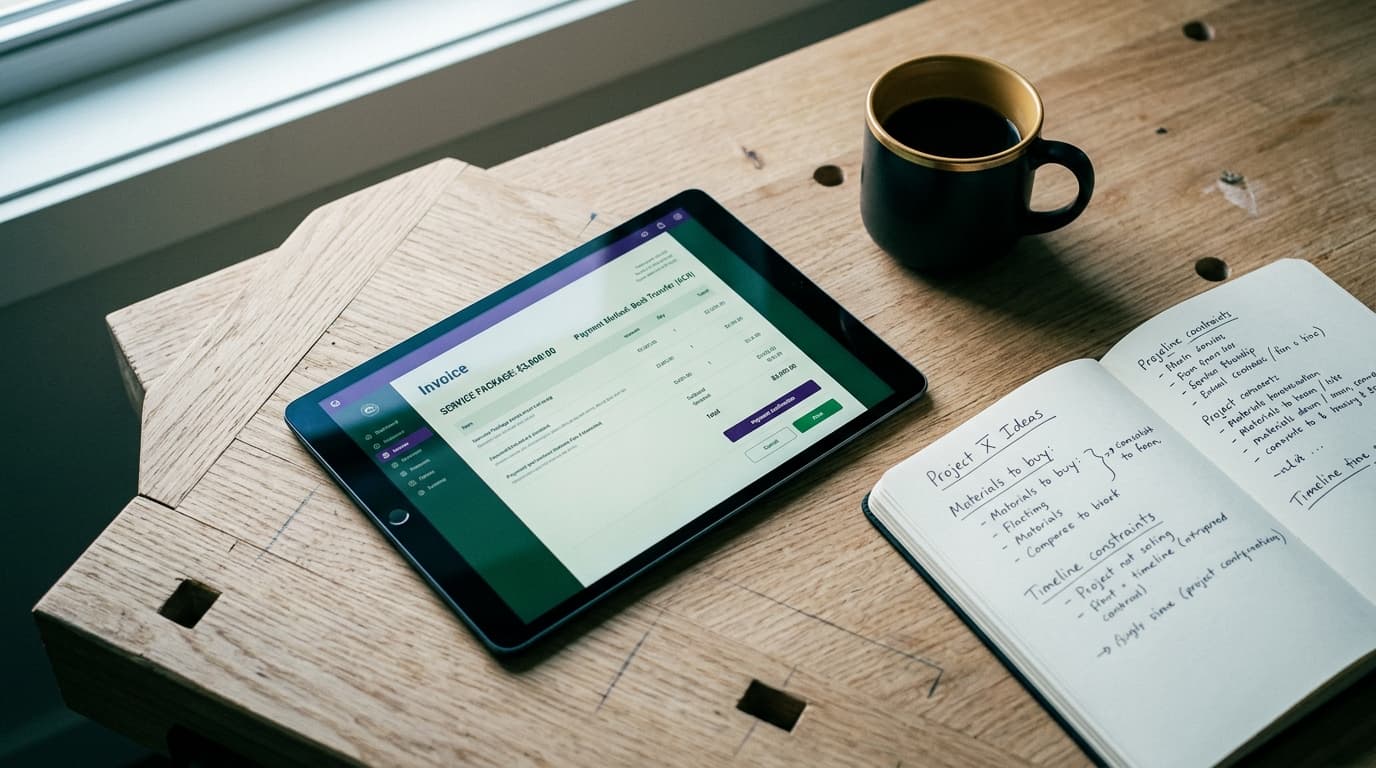
Stripe and PayPal both include built-in invoicing tools that let you email a professional bill directly to a client with a "Pay Now" button built into the email. The client clicks, sees an itemized breakdown of the work, and pays via credit card or bank transfer.
Here is where the trade-off happens: card fees on a $3,000 project add up quickly (2.9% of $3,000 is $87). To keep more of your earnings, enable ACH direct debit payments on your invoices. Stripe's ACH processing fee is 0.8% with a hard cap at $5. On that same $3,000 bill, an ACH transfer costs you $5 instead of $87. The downside is that bank transfers take a few business days to clear, whereas card payments settle faster. For large bills, waiting two extra days for funds to clear is almost always worth saving eighty dollars.
To keep your operations lean, avoid signing up for separate paid invoicing software when you are starting out. Every software subscription adds another line item to manage line on my software budget, so use the free invoicing features already built into your payment processor account until your transaction volume forces a change.
The plain recommendation for taking your first dollar
You do not need a complicated strategy to accept money online. Match your payment tool to the actual way you talk to your clients:
- If you sell services or high-ticket client work: Send online invoices directly through Stripe or PayPal with ACH bank transfer enabled. Encourage clients paying over $1,000 to use bank transfers to cap your processing fees.
- If you sell a fixed digital file or single consulting session: Use Stripe Payment Links or PayPal buy buttons embedded behind a button on a sales page or sent via email following an inquiry on a clean contact page.
- If you sell physical inventory with dozens of SKUs: Use a simple storefront platform like Shopify or WooCommerce, accepting standard processing fees as a necessary cost of running a real retail store.
Start with hosted links or simple invoices. You can always build a bigger system later when high order volume demands it.
Keep reading
All posts
Stripe vs. Lemon Squeezy: The Solo Micro SaaS Payment Guide
Comparing direct Stripe processing against Lemon Squeezy for solo software launches, covering global tax rules, actual fee stacks, and cash-flow trade-offs.
September 11, 2026 · 6 min read