
How to Write a Contact Page That Actually Gets Inquiries
Part of Small Business Websites
By Paul Peery · August 6, 2026 · 4 min readUpdated August 13, 2026
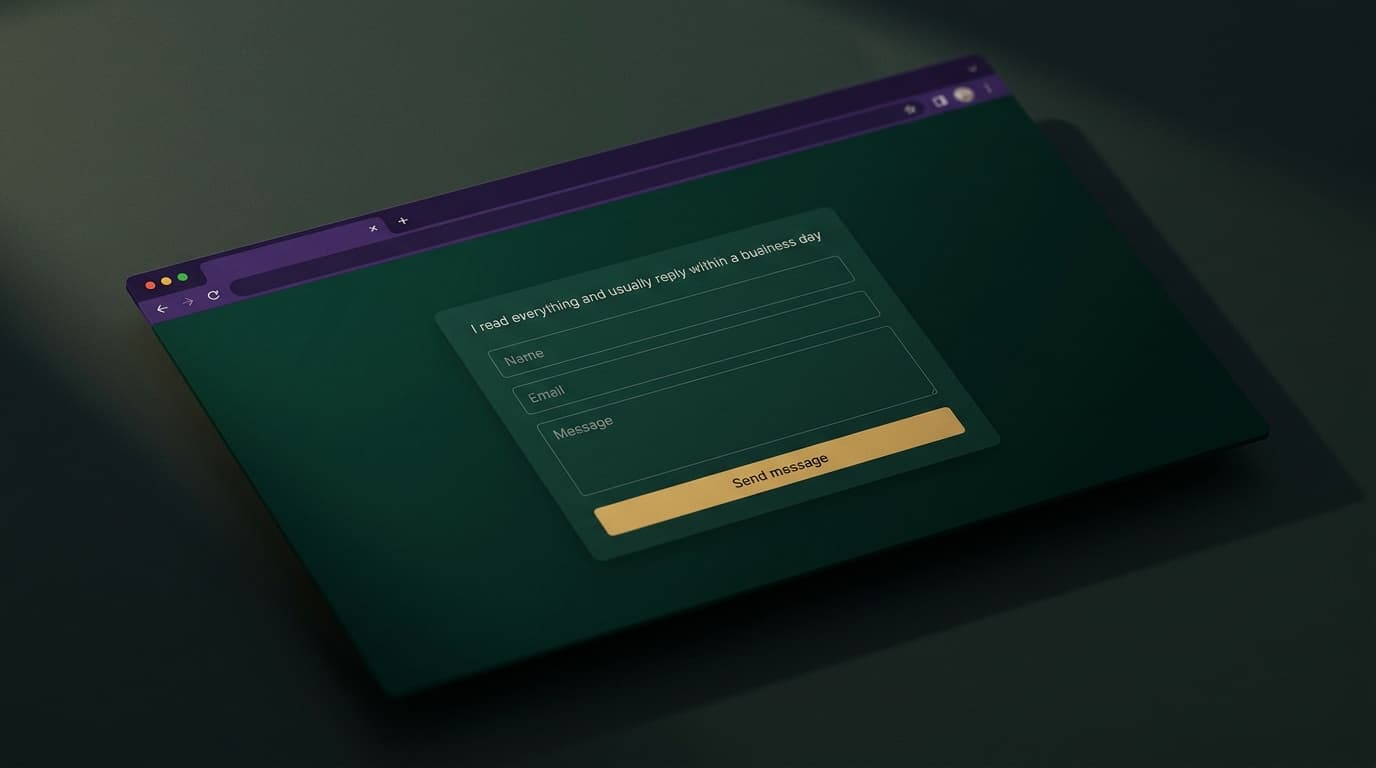
A contact page has exactly one job: make it effortless for a real person to start a conversation. Every design decision either serves that or works against it — and most contact pages are built to serve the owner's filing system instead. Here's how I built mine, what I'd cut from yours, and how to handle spam without making humans pay for it.
Every field costs you messages
The evidence on forms is boringly consistent: each additional field loses some percentage of the people who started filling it in. So the test for every field is brutal — do I need this to send a useful reply?
You need three things: a name (to address them), an email (to answer), and the message. I keep an optional subject line, and that's the entire form. Phone number? You can ask in your reply if a call makes sense — demanding it up front reads as "sales will contact you," which is exactly the vibe that makes people close the tab. Dropdowns for "inquiry type"? That's your filing preference exported to a stranger. Budget fields, company size, "how did you hear about us" — all of it filters out real messages to save you seconds of triage.
The exception: when the inquiry is a structured project brief, a separate multi-step form is honest about the bigger commitment — mine lives at start a project, clearly signposted for people who want website work, while the contact page stays frictionless for everything else. Two doors, each sized to what's behind it.
Copy that sounds like someone's home
The words around the form matter more than designers admit. "Submit your inquiry using the form below" is furniture-store voice. Write it like you'd say it: what you're happy to hear about, and — this is the one with actual evidence behind it — when they'll hear back. A concrete "I read everything and usually reply within a business day" converts hesitant visitors, because the silent fear on every contact page is that the form goes nowhere. Then honor the number; an expectation you set and miss is worse than none.
Say what happens after submit, too. My success state confirms the message landed and repeats the reply-time promise. A bare "Thank you" leaves people wondering if it worked — and wondering people email you again, or worse, don't.
Spam defense that humans never see
Here's where most contact pages go wrong in the other direction: a CAPTCHA on first contact makes every legitimate visitor solve a puzzle to give you business. Bots are a real problem — leave a form unprotected and within days you're wading through junk — but the defenses should stack from invisible to visible, and most sites never need the visible end:
- A honeypot field. An extra input, invisible to humans, that autofill bots complete because it's in the markup. Anything in it means bot — and my form returns a fake success, so the bot learns nothing and moves on. Costs humans: zero.
- A time trap. My form arrives with a timestamp, and a submission a couple of seconds after page load gets rejected — humans don't type a message in two seconds. Costs humans: zero.
- Rate limiting, after validation. Repeated submissions from one source get cut off — but crucially, garbage input never counts against the limit, so a bot flooding junk can't lock out the real visitor who arrives next. Costs humans: zero.
- A CAPTCHA, only if it earns its place. Mine (Cloudflare Turnstile, the least annoying of the breed) is wired but optional — two configuration values turn it on if the invisible layers ever stop being enough. Escalate to visible friction when you have evidence, not by default.
And wherever the messages go, store them twice: mine are emailed to me and saved to an inbox in my admin panel. Email delivery can hiccup; a database row doesn't. A lost contact message is the most expensive kind of bug — the person it cost you never tells you it happened.
Do and don't, on one screen
Do: three fields · reply-time promise · human copy · invisible bot defenses · a real success state · messages stored somewhere durable.
Don't: required phone numbers · inquiry-type dropdowns · CAPTCHA-by-default · "submit" as button text (say "Send message") · a success state that just clears the form · do-not-reply@ anywhere near a page whose entire purpose is replies.
Ship the boring three-field version with warm copy and invisible defenses, and your contact page quietly does its one job. Mine's right here if you want to see it standing — and if the message you want to send is "build me one of these," that door's open too.
Keep reading
All posts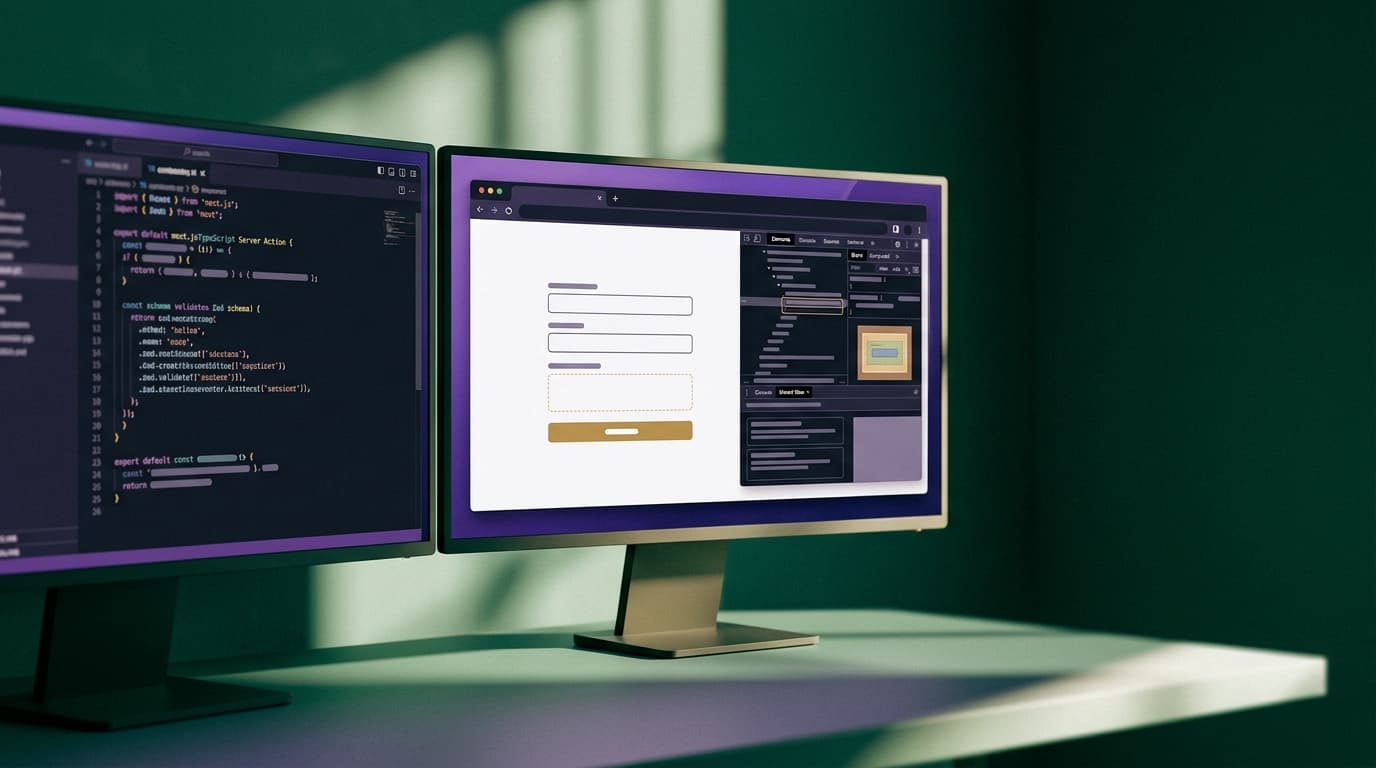
How I Handle Contact Forms and Spam in Next.js Without SaaS Fees
You do not need a monthly SaaS subscription or intrusive CAPTCHAs to accept contact inquiries. Here is how I build spam-resistant forms in Next.js using Server Actions.
August 28, 2026 · 6 min read