
Why You Need Domain Email and How to Set It Up Cheaply
Part of Small Business Websites
By Paul Peery · August 12, 2026 · 4 min read
Heads up: this post contains affiliate links — if you buy through one, I may earn a commission at no extra cost to you. How that works
Sending an invoice or a client proposal from a personal Gmail address quietly cuts your response rates before the recipient even opens the message. It creates a subtle doubt about whether you run an established business or a weekend operation that might disappear next month.
Custom domain email builds trust before a client opens your message
When someone receives an email from joe.plumbing2024@gmail.com, they immediately know you haven't invested in basic business infrastructure. An address like joe@joesplumbing.com signals that you own your brand name, maintain an active site, and take your operations seriously.
If you already bought a domain name through a registrar like Namecheap when picking a domain name you won't regret, adding business email is the logical next step. It also protects your communication channel if you ever move off social media platforms or change personal email providers down the line.
Real email hosting options range from full suites to budget inboxes
You do not need to pay top dollar to get a custom email address, but you do need to understand what each tier actually gives you.
The full productivity suites—Google Workspace and Microsoft 365—are the standard choice for most businesses. Entry tiers typically run roughly $6 to $8 per user per month. In exchange, you get enterprise-grade spam protection, full deliverability support, and seamless integration with calendars, cloud storage, and video calling. If you already work inside Google Docs or Microsoft Word all day, paying for the productivity suite usually pays for itself in simplicity.
If you only want a clean webmail inbox without a suite of office apps, dedicated email hosts offer a much cheaper path. Services like Zoho Mail start around $1 per user per month on their budget plans, while providers like Fastmail give you fast, ad-free email with excellent calendar features for a modest flat rate. These plans cut out the bulk of cloud storage you might not need while still giving you a real, dedicated mailbox for your domain.
Email forwarding is the free alternative offered by many domain registrars and DNS providers. Incoming mail to hello@yourbusiness.com gets redirected straight to your personal Gmail inbox. This costs zero dollars upfront, which makes it tempting when calculating how much a small business website costs.
Forwarding tricks break down the moment you try to reply
Free email forwarding sounds perfect until you actually try to run a business through it. Receiving incoming mail is reliable enough, but replying as hello@yourbusiness.com from inside a personal Gmail account creates major deliverability problems.
To send outgoing messages through personal Gmail using your custom domain, you either have to route through an unauthenticated SMTP relay or let Gmail send on your behalf. Modern spam filters at Yahoo, Outlook, and Gmail inspect the actual sending server's IP address against the domain's authentication records. When those numbers don't match, your outgoing messages frequently land in the recipient's spam folder or get rejected entirely.
I learned this lesson the hard way after sending dozens of client follow-ups from a forwarded setup, only to realize half of them never reached the inbox. Saving a few dollars a month on email hosting isn't worth losing thousands of dollars in missed proposals.
Three DNS records decide whether your messages reach the inbox
Regardless of which email host you choose, your emails will fail basic deliverability checks if your domain DNS settings aren't configured correctly. Setting up proper authentication is just as important as the email host itself, a concept I cover in detail in my guide on email deliverability setup.
You need three specific records configured in your domain's DNS manager:
- SPF (Sender Policy Framework): A simple TXT record that lists which mail servers are explicitly allowed to send emails on behalf of your domain.
- DKIM (DomainKeys Identified Mail): A cryptographic signature added to outgoing mail headers. Receiving servers verify this key against your DNS to confirm the message wasn't forged or altered in transit.
- DMARC (Domain-based Message Authentication, Reporting, and Conformance): A rule set that tells receiving email servers what action to take if SPF or DKIM verification fails—such as putting the message in spam or bouncing it completely.
Pick the email setup that fits your actual daily workflow
Here is my plain recommendation for choosing the right email setup without overpaying:
- If you use Google Docs, Drive, and Meet daily: Pay for Google Workspace Business Starter. The $7–$8 monthly cost per inbox is worth avoiding friction across your daily tools.
- If you just want professional email on a budget: Pick Zoho Mail's Lite tier or Fastmail. You get a real mailbox and clean authentication records for a fraction of the cost of full suites.
- If you only need a contact address for site inquiries: Use free email forwarding to receive messages from your site's contact page, but sign up for a transactional mail service if you send automated notifications.
Keep reading
All posts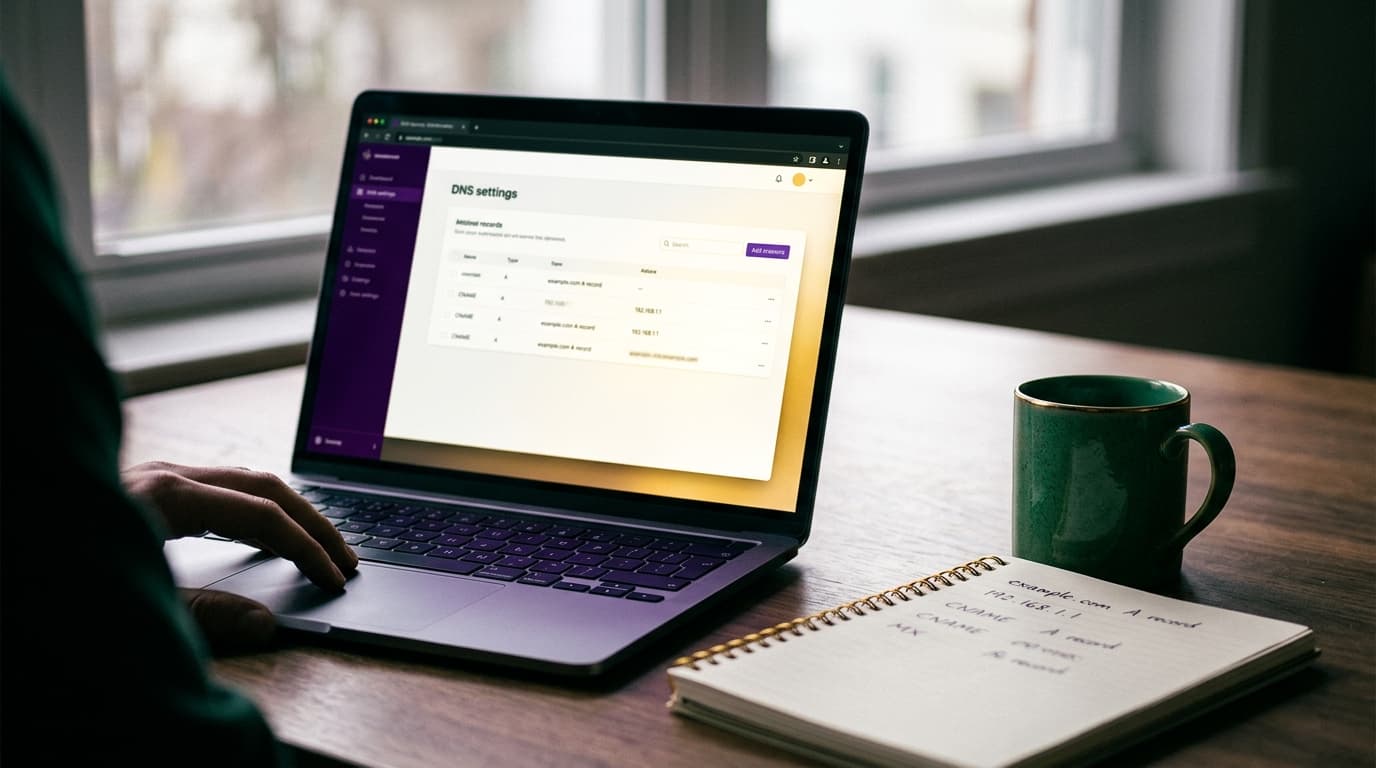
DNS Records Explained: How to Connect Your Domain Without Breaking Email
Editing DNS records is where most website launches accidentally kill business email. Here is what A, CNAME, MX, and TXT records actually do and how to edit them safely.
August 23, 2026 · 5 min read