
What SSL and HTTPS Actually Do (and Why You Shouldn't Pay for It)
Part of Small Business Websites
By Paul Peery · August 11, 2026 · 3 min readUpdated August 13, 2026
Heads up: this post contains affiliate links — if you buy through one, I may earn a commission at no extra cost to you. How that works
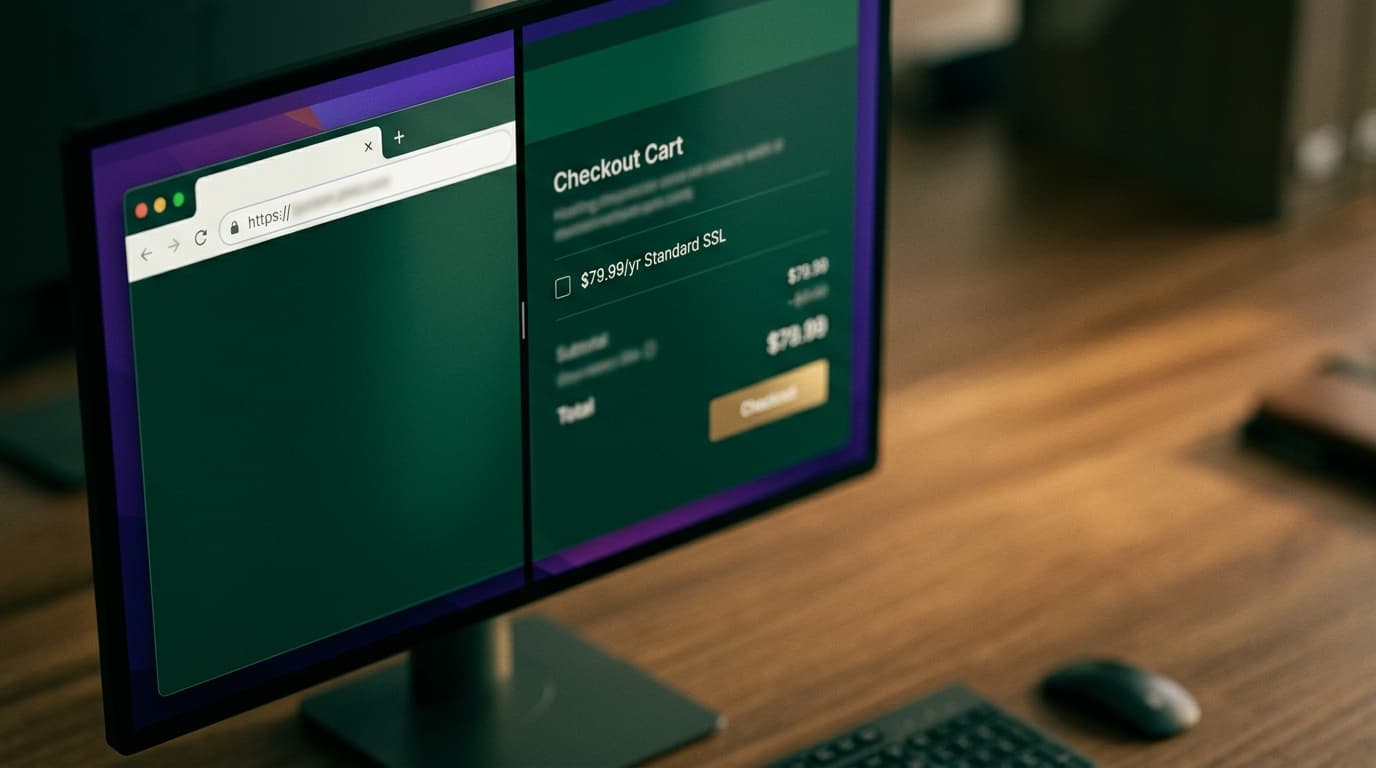
Paying $80 a year for an SSL certificate is like paying for long-distance phone charges — hosts and domain registrars still push paid certificates because site owners assume security must cost money, not because issuing one actually costs anything. Every major web browser expects your site to load over HTTPS, but getting that security setup up and running shouldn't cost you a single extra dollar.
Encryption protects data in transit, not site credibility
HTTPS (Hypertext Transfer Protocol Secure) relies on an SSL/TLS certificate to scramble data moving between a visitor's browser and your server. When a client submits a contact form, enters a credit card, or simply loads a page on a public coffee shop Wi-Fi network, encryption prevents third parties from reading or altering that traffic.
What HTTPS does not do is guarantee that a website belongs to an honest business. Phishing scams and spam sites use HTTPS encryption too. For years, browsers displayed a green padlock icon in the address bar to show a connection was encrypted. Google Chrome eventually replaced the lock icon with a neutral "settings tune" icon specifically because 89% of surveyed users incorrectly assumed the padlock meant the website itself was safe and trustworthy, rather than merely encrypted.
Chrome marks HTTP sites as "Not Secure" for a reason
While browsers stopped making secure sites look like verified safe-houses, they got much harsher on unencrypted sites. If your business site still runs on plain HTTP, browsers display a prominent "Not Secure" warning right next to your domain name in the address bar.
That warning directly damages your customer conversion rate. When prospective clients land on a page asking for their phone number or email and see an explicit security alert from their browser, a chunk of them will close the tab immediately. On top of customer drop-off, search engines favor HTTPS sites in ranking algorithms and modern web tools often refuse to run on unencrypted connections.
Free SSL certificates are permanent and automated
Back in 2015, the nonprofit Internet Security Research Group launched Let's Encrypt to make web encryption universal and free. Today, Let's Encrypt secures over 700 million websites worldwide without charging a fee.
These free domain-validated (DV) certificates verify one simple technical fact: you control the domain pointing to the server. The certificate lasts 90 days and renews automatically through software background tasks, giving you the exact same 256-bit connection encryption that an expensive commercial certificate provides.
Here is the honest trade-off: a free DV certificate does not perform business entity verification. Companies running heavy financial platforms or large enterprise brands sometimes pay for Extended Validation (EV) certificates that require corporate identity checks. But for a local service company, portfolio site, or simple blog, paying extra for corporate certificate identity verification offers zero practical benefit for visitor trust or search visibility.
Free SSL is already included with almost every modern host
You rarely need to install a certificate manually anymore. Modern site builders like Squarespace and Shopify enable HTTPS out of the box, as do modern developer hosts like Vercel and Netlify.
If you run WordPress or a traditional site, standard web hosting platforms integrate automated Let's Encrypt or AutoSSL tools directly into cPanel or their custom dashboards. Registrars such as Namecheap offer easy toggles, though you should check whether their baseline plans include automated free SSL before agreeing to annual add-on fees. If you are budgeting your site build, factor SSL in as a zero-dollar item alongside your domain and hosting costs in your overall small business website budget.
The one-minute SSL verification checklist
Before handing money to any host or domain provider for a security upsell, run through these quick steps:
- Check your host dashboard first: Look for an "SSL/TLS," "Let's Encrypt," or "Security" section. On 90% of managed hosts, turning on SSL requires clicking a single toggle switch.
- Force HTTPS redirects: Ensure your server automatically routes visitors from
http://yourdomain.comtohttps://yourdomain.comso nobody hits an unencrypted version by accident. - Fix mixed content errors: If your browser still shows a warning after enabling HTTPS, right-click the page, open your browser inspector, and check for images or scripts loading over old
http://URLs instead of relative paths orhttps://. - Decline paid SSL add-ons at checkout: When buying domains or web hosting, uncheck any $30 to $100 annual "Standard SSL Certificate" line items.
Keep reading
All posts
What Is Web Hosting? Shared, VPS, and Managed Hosting Explained
I explain what web hosting does, how shared, VPS, and managed hosting differ, and what a small business website actually needs without the usual upsells.
July 23, 2026 · 7 min read