
Why Your Next Content Site Should Probably Be Built in Astro
Part of Building This Site and Small Business Websites
By Paul Peery · September 5, 2026 · 4 min read
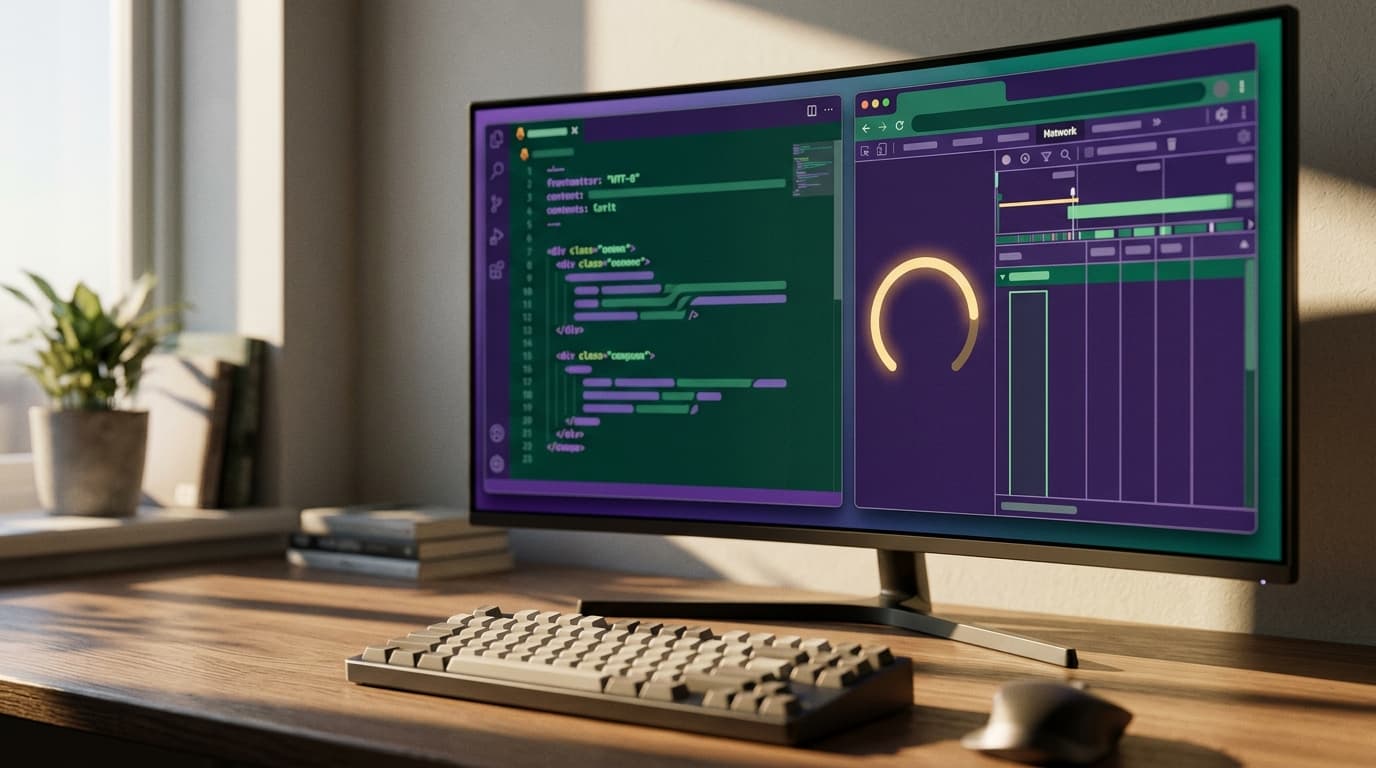
You do not need a 300-kilobyte JavaScript bundle to render a service menu, four testimonials, and a phone number. Yet web builders routinely reach for full-stack application frameworks to publish marketing sites that are essentially digital brochures. The result is a slow first load on budget smartphones, complicated hydration errors, and a development setup that feels like maintaining a passenger jet for a bicycle commute.
I build client sites for a living and run this site on Next.js, but when a project is primarily about publishing content, reading articles, or generating local leads, Astro is often the smarter tool for the job. Here is why the framework works so well, where it shines, and the honest trade-offs you face before starting your next build.
Zero JavaScript by default fixes mobile load times
Most modern frameworks render HTML on the server and then ship a duplicate copy of your page data alongside the framework code so the browser can hydrate the page. If your site is just text, images, and links, that hydration step burns visitor battery and delays user interaction for zero real benefit.
Astro flips that model upside down. It builds static, pre-rendered HTML and CSS by default. If you write an Astro component with standard HTML and styling, exactly zero bytes of client-side JavaScript get sent down the wire.
When you run a speed audit on an Astro build, the First Contentful Paint is almost immediate because the browser does not have to parse a script before drawing text on the screen. If you have ever worked through a checklist to speed up a slow website, you know that cutting unused JavaScript delivers the single biggest mobile performance jump you can get.
Islands let you use React without paying the whole React tax
Static HTML is great until you need a mobile navigation drawer, an interactive price calculator, or a search bar. In an older static site generator, adding an interactive widget meant either hacking together vanilla script tags or loading an entire runtime for the whole page.
Astro solves this with its Islands architecture. The bulk of your page remains plain HTML, while individual interactive widgets live as isolated "islands." If you already know React, you do not have to throw away your component libraries. You can drop a React component directly into an Astro page and tell the browser precisely when and how to load it:
client:loadruns the script immediately on page load for visible elements like an announcement banner.client:idlewaits until the main page finishes rendering before fetching the widget code.client:visibleonly loads the JavaScript when the visitor actually scrolls the widget into view.
If you have a complex interactive form at the very bottom of a long case study, the visitor never downloads its code unless they scroll down to see it. It gives you the authoring ease of component-driven code without forcing your readers to pay for the parts they never touch. It offers a similar mental separation to working with Server Components versus Client Components, but with even less framework overhead.
The Content Layer stops markdown chaos before it starts
Building a content-driven site usually means wrangling Markdown or MDX files for blog posts, documentation, or staff bios. In basic setups, a single missing quote or misspelled metadata tag in your frontmatter can quietly break a build or leave pages blank.
Astro includes a built-in Content Layer that treats your Markdown files, CMS entries, and API feeds as a typed database. You define a strict schema using standard TypeScript tools like Zod. If an author forgets an author bio, misspells an image path, or enters an invalid publish date, the build halts right in your terminal with the exact file name and line number.
That validation layer dramatically simplifies routine website maintenance. You do not have to click through fifty URLs after every edit to verify that cards are still rendering correctly. The compiler catches the structural flaws before the code ever deploys.
The honesty beat: where Astro struggles
Astro is deliberately optimized for content-first websites, which means it is the wrong hammer for software applications. If you are building a logged-in dashboard where the URL changes constantly, users edit complex multi-step state, and every view relies on an authenticated session, Astro will fight you.
While Astro supports server endpoints and server-side rendering, stitching together global user state across multiple distinct UI islands can get messy fast. In an authenticated app, sharing session tokens and cache states between three isolated widgets requires custom event buses, nanostores, or external state libraries. By the time you wire all that together, you have recreated what Next.js or Remix does out of the box with far less glue code.
There is also a component sprawl trap. Because Astro lets you mix React, Vue, and Svelte in the same project, beginners sometimes import a React dropdown and a Svelte slider on the same page. Doing that forces your visitor to download two separate UI runtimes, completely defeating the lightweight design of the framework. If you use UI islands, pick one library and stick to it.
The one-paragraph decision rule
If your website exists to deliver information—a blog, a company marketing site, a portfolio, documentation, or a local service business—build it in Astro. You get instant mobile load times, clean Markdown handling, and zero maintenance headaches from bloated runtime scripts. Save heavy application frameworks like Next.js for tools with user logins, deep application state, and dynamic dashboards where the entire page is genuine software.
Keep reading
All posts
Wix, WordPress, or Custom Code? An Honest Pick for Small Business
I build custom sites for a living and I still send some people to Squarespace. Here's how I decide between a website builder, WordPress, and custom code—including the part where my own bias shows.
August 4, 2026 · 5 min read